1
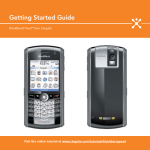
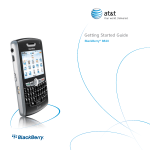
Set Up Your BlackBerry 8800
Setup Wizard
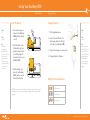
The Setup Wizard is designed to help you quickly and easily setup
your BlackBerry 8800. It takes approximately 10 minutes to complete.
Takes?
10 minutes
Note:
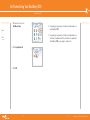
As you complete the
setup wizard, look for
the progress indicator
to tell you how many
screens you have
completed. The more
indicator tells you if
there is more to see
on the screen and
the buttons along the
bottom allow you to
navigate through the
wizard.
DESREVERNOISREVETIHW
Setup Wizard
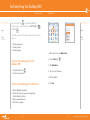
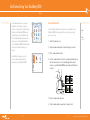
1.
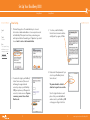
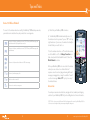
Once you have launched the Setup
Wizard, use the trackball the scroll up
and down on the screens and highlight
input fields or buttons. Click the trackball
to select input fields or buttons.
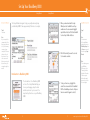
2. Click Yes if asked if you want to connect
to the wireless network.
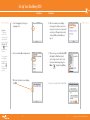
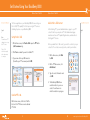
Introduction to BlackBerry 8800
The introduction to the BlackBerry 8800
section of the Setup Wizard will help you
choose your language, setup the date
and time, and orient you to some of the
important keys/functions on your BlackBerry
8800.
^ white (reversed)
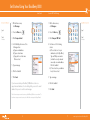
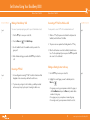
3.
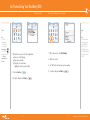
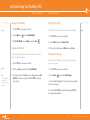
To set your time zone, highlight the current time zone and click the trackball. Roll the trackball up or down to find your time zone and click again to select it.
Steps?
4
Note:
You can return to
the Setup Wizard at
anytime by selecting
BlackBerry Setup from
the Home screen and
then choosing Setup
Wizard.
Note:
To save battery power
your BlackBerry
8800 screen is set to
Timeout (go dark or
dim) after 45 seconds.
If the screen goes
dark or dims simply
press any key to view
the screen again.
www.cingular.com/tutorials/blackberry8800