1
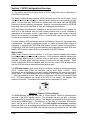
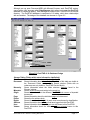
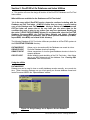
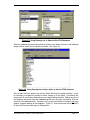
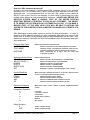
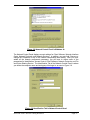
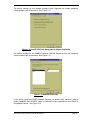
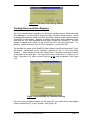
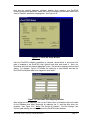
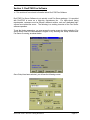
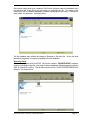
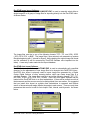
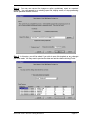
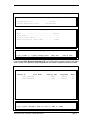
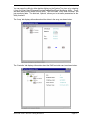
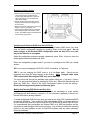
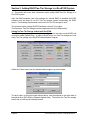
Figure 2.5: Using Datamgr.exe to Open the DocSTAR database
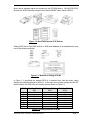
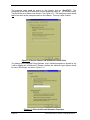
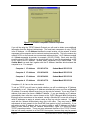
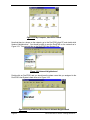
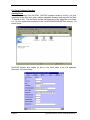
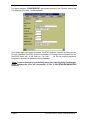
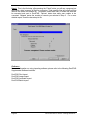
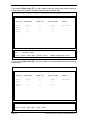
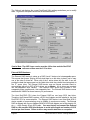
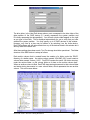
When the database has been opened there will be a list of tables, as seen in the database
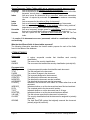
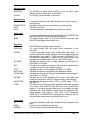
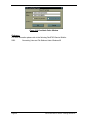
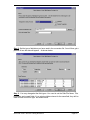
design section, which can be opened and edited. See Figure 2.6.
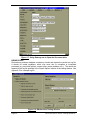
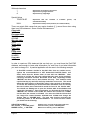
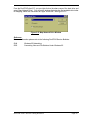
Figure 2.6: Using Datamgr.exe to Open tables in the DocSTAR database
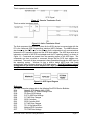
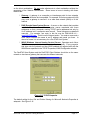
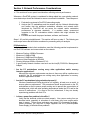
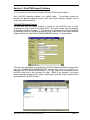
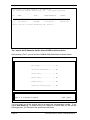
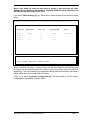
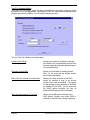
Once a table has been opened you will see fields, which can be edited manually. It may
be necessary to expand the window to allow viewing of all the fields. Left-clicking the
mouse once in one of these fields allows you to begin editing that field. Editing any part of
the Database should be done with extreme caution; you may alter vital data or even the
structure of the database itself. Proceed only if you are comfortable in doing so and have
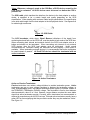
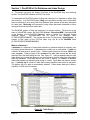
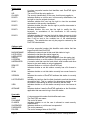
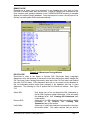
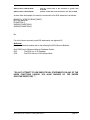
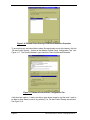
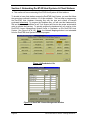
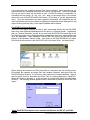
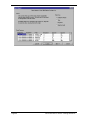
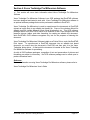
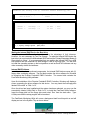
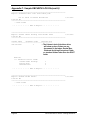
made a complete backup of the Database. Figure 2.7 shows document record (DOCID)
#5 from the Document table open in Datamgr.exe.
DocSTAR Level 2 Service Training Workbook
Page 19