1
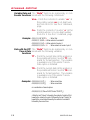
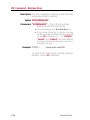
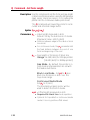
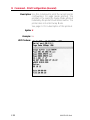
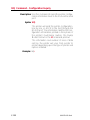
AUTOFR Command - Automatic Form Printing
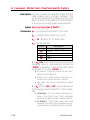
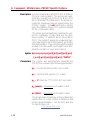
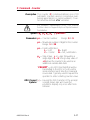
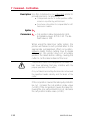
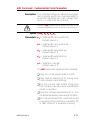
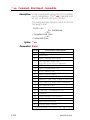
Description This special form process allows you to detach
the printer from the computer and print in a
standalone mode. The EPL2 printer reserves
the form name AUTOFR to allow the printer to
automatically start a form when the printer is initialized power-up. This feature can be used in
many ways:.
· Feed a single label in peel mode and print
multiple labels set to the number of labels on
the roll.
· Have a form with a variable and enter the
variable with a scanner, terminal, weight
scale, circuit analyzer or any other device capable of sending ASCII character data.
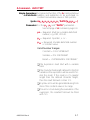
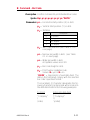
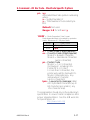
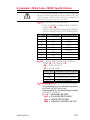
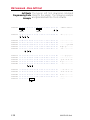
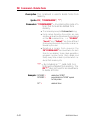
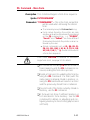
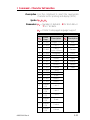
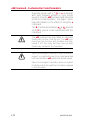
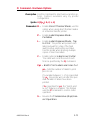
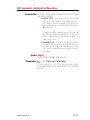
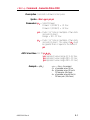
Using AUTOFR Download a form to the printer with the name
AUTOFR.
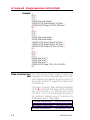
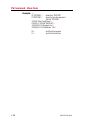
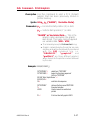
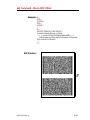
Example: ¿
:Line Feed to initialize the printer
:Form Kill (delete any existing AUTOFR)
:Form Save (save file from here to FE at
: the bottom)
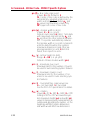
V00,8,L,""¿
:Variable field definition
Q254,20¿
:Label height followed by gap width
S2¿
:Speed (2ips)
D7¿
:Density setting
ZB¿
:Print direction (ZT flips it 180 degrees)
A340,20,0,4,1,2,N,"QUANTITY"¿
:Fixed text line
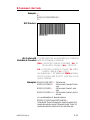
B265,75,0,3,2,4,101,B,V00¿ :Bar code definition
PA1¿
:Print 1 label Automatically *
FE¿
:Form End (Line Feed)
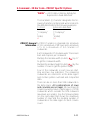
FK"AUTOFR"¿
FS"AUTOFR"¿
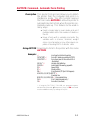
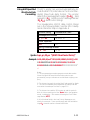
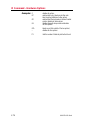
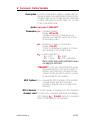
* - If using the CAL TOOLS, CAL WIN, etc. programs to generate label files (files with .ejf extensions), then the PA command
must be added manually by editing the .ejf file.
980352-001 Rev.A
3-9