1
all.book
Page 83
Tuesday, January 28, 2003 9:13 AM
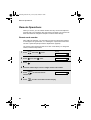
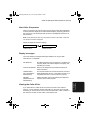
Sending a Fax by Automatic Dialling
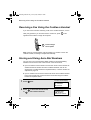
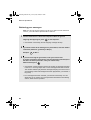
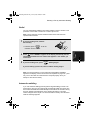
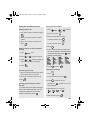
Redial
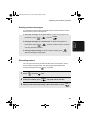
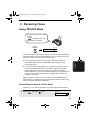
You can automatically redial the last number dialed on the fax machine. This
procedure can be used to send a fax or make a phone call.
Note: The fax machine and the cordless handset each retain their own
separate redial numbers.
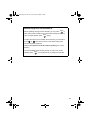
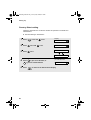
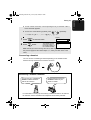
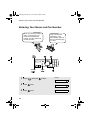
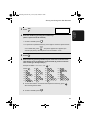
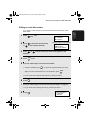
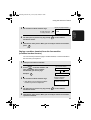
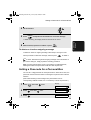
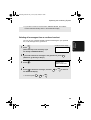
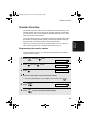
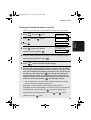
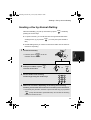
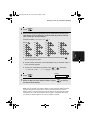
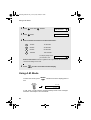
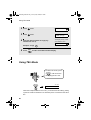
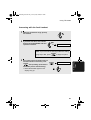
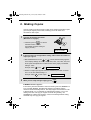
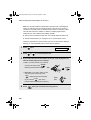
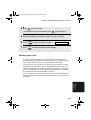
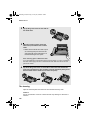
1
If you are sending a fax, load the
document(s).
• If desired, press
RESOLUTION/
RECEPTION MODE
to set the
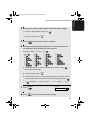
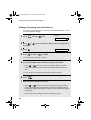
2
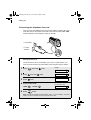
Press
once. <REDIAL> appears in the display, followed by the last
number dialed. Make sure the number that appears is the number you
wish to dial.
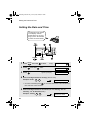
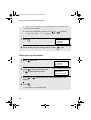
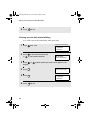
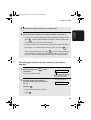
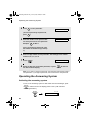
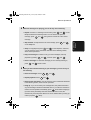
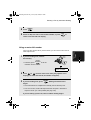
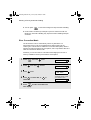
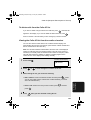
3
If you are sending a fax, press
START/MEMORY
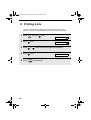
4. Sending
Faxes
resolution and/or contrast.
. Dialling begins.
If you are making a phone call, lift the handset. Dialling begins.
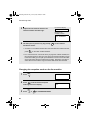
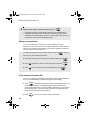
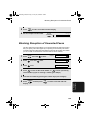
Note: If a fax transmission is unsuccessful and DOCUMENT JAMMED
appears in the display, remove the document as explained on page 126. (This
may occur if the other fax machine doesn’t respond properly when you
attempt to send the document.)
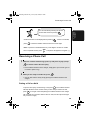
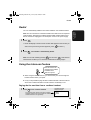
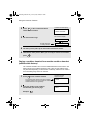
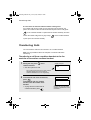
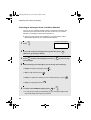
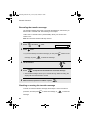
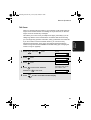
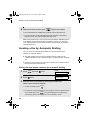
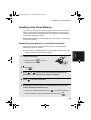
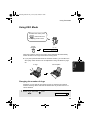
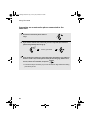
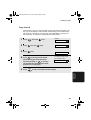
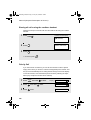
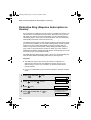
Automatic redialling
If you use automatic dialling (including Direct Keypad Dialling) to send a fax
and the line is busy, the fax machine will automatically redial the number. The
fax machine will make three redial attempts at intervals of five minutes. During
this time, RECALLING will appear in the display, followed by a two-digit
number assigned to the fax job. You will not be able to dial any other locations
while the message appears.
83