1
all.book
Page 40
Tuesday, January 28, 2003 9:13 AM
Receiving a Fax Using the Cordless Handset
Receiving a Fax Using the Cordless Handset
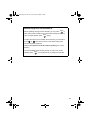
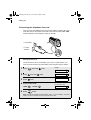
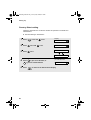
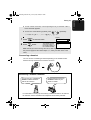
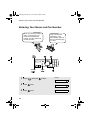
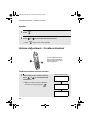
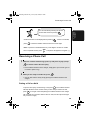
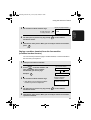
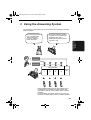
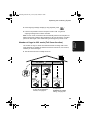
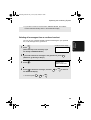
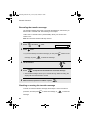
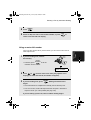
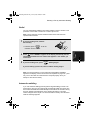
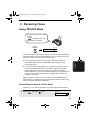
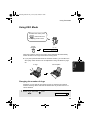
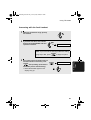
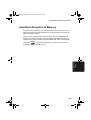
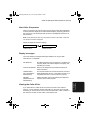
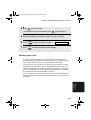
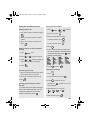
If you hear a fax tone after answering a call on the cordless handset, or if the
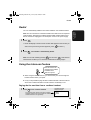
other party speaks to you and then wants to send a fax, press
START
. This
signals the fax machine to begin fax reception.
START
Press to begin
fax reception
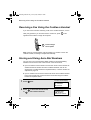
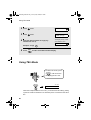
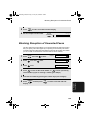
Note: If the fax machine detects a fax signal after you answer a call on the
cordless handset, it will begin reception automatically.
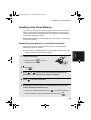
Storing and Using Auto-Dial Numbers
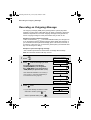
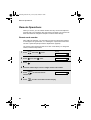
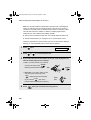
You can store your most frequently dialed numbers for automatic dialling.
Numbers can be stored in the Common book or the Private book.
♦ Up to 40 numbers can be stored in the Common book. These numbers are
shared with the fax machine and other cordless handsets, and can be
stored using a cordless handset as explained below, or the fax machine as
explained on page 78.
♦ Up to 5 numbers can be stored in the Private book. Each cordless handset
has its own Private book, and the numbers are stored using the cordless
handset as explained below.
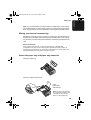
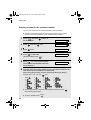
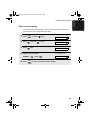
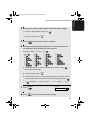
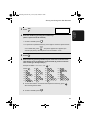
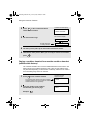
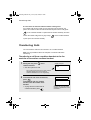
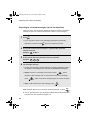
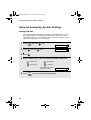
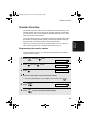
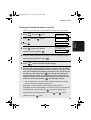
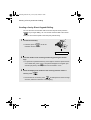
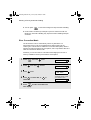
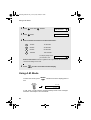
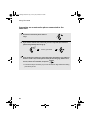
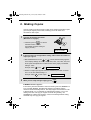
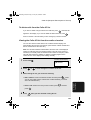
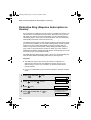
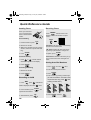
1
Press
SEARCH .
Cordless handset display:
SELECT SEARCH
▲: COMMON
▼: PRIVATE
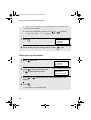
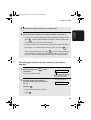
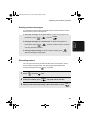
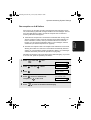
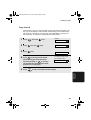
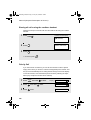
2
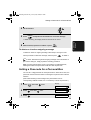
Press
or
40
to select the Common book,
to select the Private book.
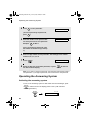
Example: Common book selected
COMMON DIAL
▲▼: SEARCH
FUNCTION: ENTRY