1
27
Configuring
the DVD player
Dolby Digital compression
Auxiliary output settings
To specify Dolby Digital compression
To specify the auxiliary output settings
This option is useful for reducing the dynamic range of Dolby
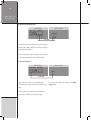
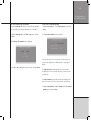
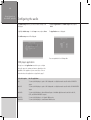
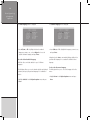
•Highlight Aux out… in the Audio setup menu, and press
Digital soundtracks, such as when watching a film late at night.
It is only available on the decoded output.
Enter.
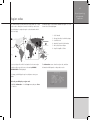
The Aux out menu will be displayed:
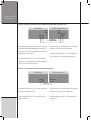
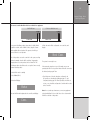
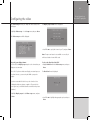
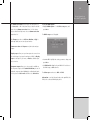
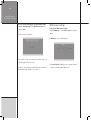
•Highlight DD compression in the Audio setup menu, and
press Enter.
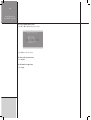
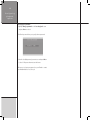
The following menu is displayed:
To specify the maximum sampling rate for the auxiliary
output
This option allows you to specify the maximum sampling rate that
the equipment connected to the auxiliary digital output can accept.
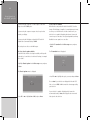
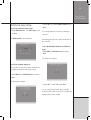
•Press V or A to select the option you want, and press Enter.
Choose Compress off for no Dolby Digital audio compression,
Loud cut to reduce the level of loud passages, Quiet boost to
increase the level of quiet passages, or Compress max for both
low boost and high cut.
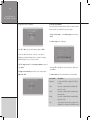
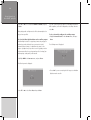
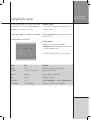
•Highlight Max rate in the Aux out menu, and press Enter.
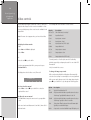
The following menu is displayed: