1
DGS-3204 Ethernet Switch Management User’s Guide
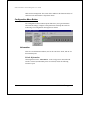
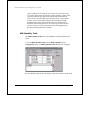
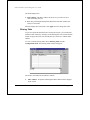
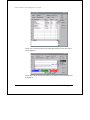
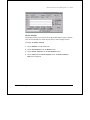
The switch requires you to designate the network management stations that will
receive these traps. To view the trap recipients, select Trap Receivers from the
Configuration menu.
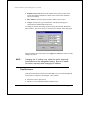
The fields displayed are:
♦ Entry Status Shows whether or not this entry is valid.
♦ Manager IP Address The IP address of the trap recipient.
♦ Community Shows the SNMP community name that will be used for the
traps sent to this recipient.
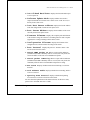
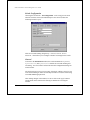
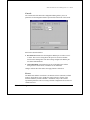
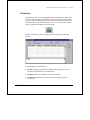
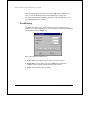
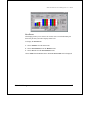
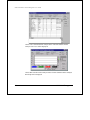
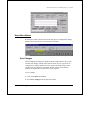
To Add a new trap receiver to the table, click on the Add button to the right.
To modify the Manager IP address or community string for an entry, click on the
entry so that it is highlighted and then click on the Add button to the right. The
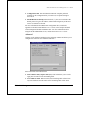
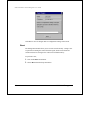
Set Trap Receiver dialog box will be displayed:
DGS-3204 Management
27