1
Section 17. CR1000KD: Using the Keyboard Display
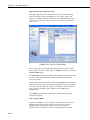
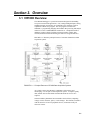
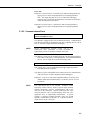
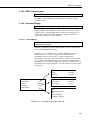
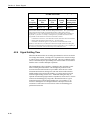
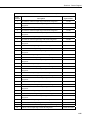
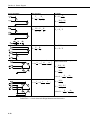
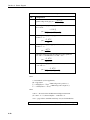
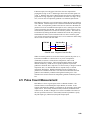
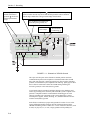
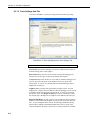
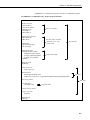
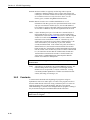
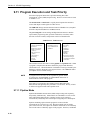
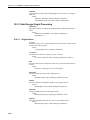
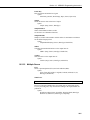
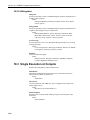
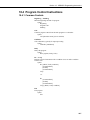
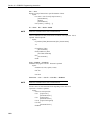
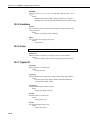
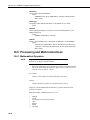
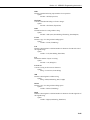
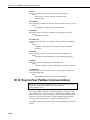
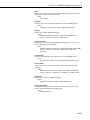
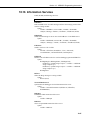
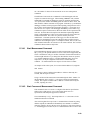
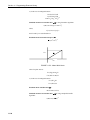
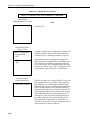
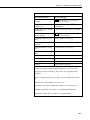
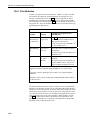
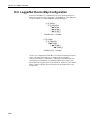
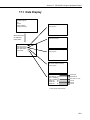
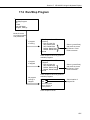
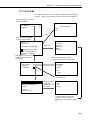
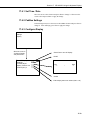
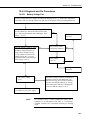
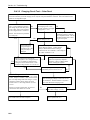
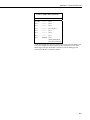
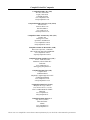
17.2 Run/Stop Program
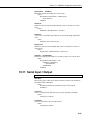
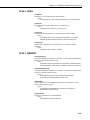
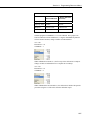
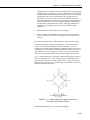
Data
Run/Stop Program
File
PCCard
Ports and Status
Configure, Settings
Move the cursor
to run/stop program
and press Enter.
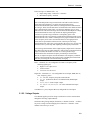
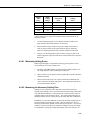
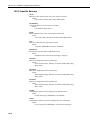
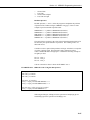
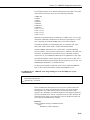
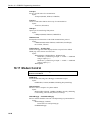
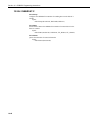
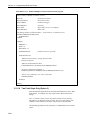
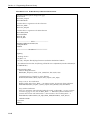
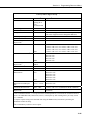
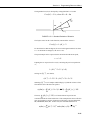
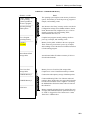
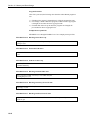
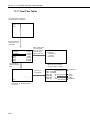
If program
is running
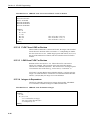
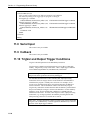
CPU: ProgramName.CR1
Is Running
>* Run on Power Up
Stop, Retain Data
Stop, Delete Data
Restart, Retain Data
Restart, Delete Data
Execute
}
Select 1 (press Enter)
and move the cursor
to Execute. Press
Enter to execute.
Press escape to cancel or get list of
available programs.
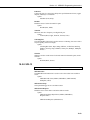
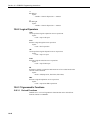
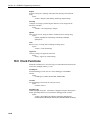
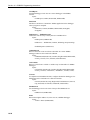
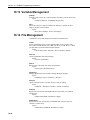
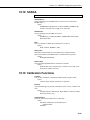
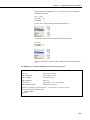
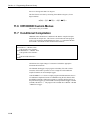
If program
is stopped
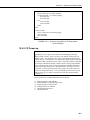
No program
running or
stopped
CPU: ProgramName.CR1
Is Stopped
>* Run on Power Up
Stop, Delete Data
Restart, Retain Data
Restart, Delete Data
Execute
}
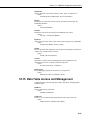
Select 1 (press Enter)
and move the cursor
to Execute. Press
Enter to execute.
Press escape to cancel or get list of
available programs.
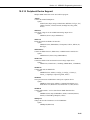
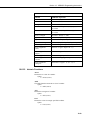
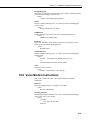
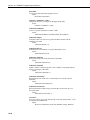
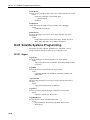
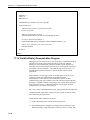
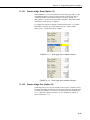
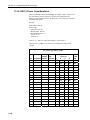
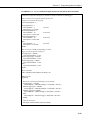
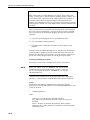
CPU:
CRD:
or list of program
files on CPU if no
card is present
Select location of
program file.
Press escape to cancel.
17-7