1
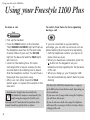
Using your Freestyle 1100 Plus
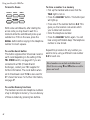
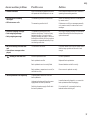
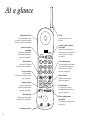
To insert a Pause
SECRECY
MEMORY
RECALL
REDIAL
SCREEN
With some switchboards, after dialling the
access code you may have to wait for a
moment while the switchboard picks up an
outside line. If this is the case, press the
REDIAL button before keying in the telephone
number to insert a pause.
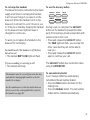
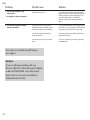
To use the Recall button
This button signals either time-break recall or
earth recall depending on the setting of the
TEL MODE switch, see page 12. If you are
connected to a PBX (Private Branch
Exchange), contact your PBX supplier for
further information. The recall button when
set to time-break recall T-TB is also used for
BT’s Select Services. For further information,
see page 27.
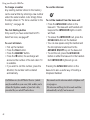
To use the Memory functions
The handset can store ten telephone numbers
of up to 20 digits in memory. You can dial any
of these numbers by pressing two buttons.
14
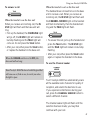
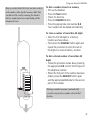
To store a number in a memory
• Pick up the handset and ensure that the
TALK light is not on.
• Press the MEMORY button. The button pad
will light up.
• Press one of the number buttons 0-9. This
gives you the location code under which
your number will be stored.
• Enter the telephone number.
• Press the MEMORY button again. You will
hear a long confirmation beep. The telephone
number is now stored.
Repeat this procedure for any number you
want to store, using a different code number
0-9 for each one.
Stored numbers can include switchboard and
Select Services using ✱ and # buttons as well as
pause and recall.