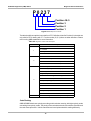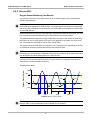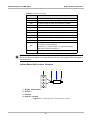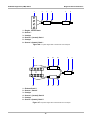
1
Navigation
Screen Messages
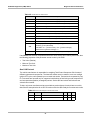
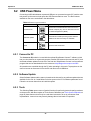
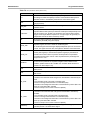
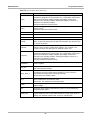
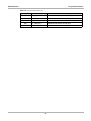
Table 5-2 Toolbar icon definitions (part 2 of 2)
Name
Graphic
Description
Min/Max
Calibrates the minimum and maximum data values
displayed on a data graph.
Pause/Play
Suspends data collection when viewing live data to
allow closer examination, and restarts data collection
when viewing paused data.
Clear ECM
Memory
Erases all data, stored codes, pending codes, and
freeze frame information, from the vehicle ECM.
Custom Data
List
Allows you to select which data parameters display
on the data list.
Delete All
Erases all the files in the active folder.
Save Settings
Stores the adjustable information on the screen in
tool memory.
Exit
Close the open window without making any changes.
Plus
Adds an increment to an adjustable value shown on
the screen.
Minus
Subtracts an increment to an adjustable value shown
on the screen.
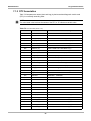
5.2 Screen Messages
There are four types of on-screen messages:
•
•
•
•
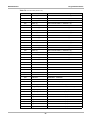
Loading and connecting
Confirmations
Warnings
Errors
29