1
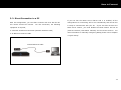
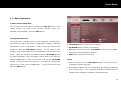
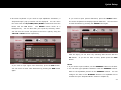
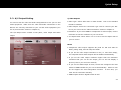
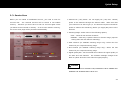
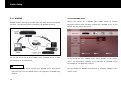
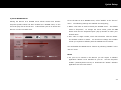
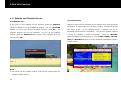
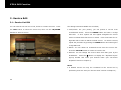
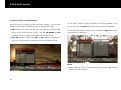
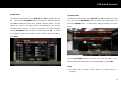
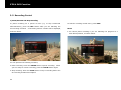
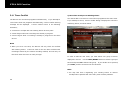
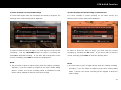
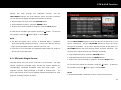
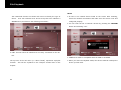
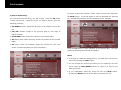
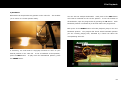
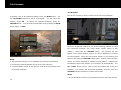
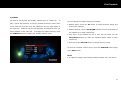
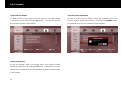
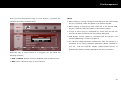
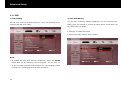
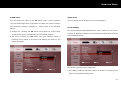
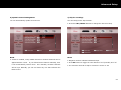
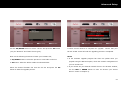
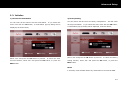
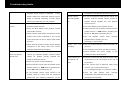
STB & PVR Function 3) Edit Timer 4) Delete Timer To modify an existing timer, press POP-UP then OK to display the timer To delete an existing timer, press POP-UP then OK to display the timer list. Then use the UP/DOWN buttons to select your desired timer and list. Then use the UP/DOWN buttons to select your desired timer and press OK to display the “Edit Timer” window, as shown below. You can press the GREEN button. A confirmation dialog will appear, as shown modify any setting in the same manner as described in the previous below. “Add New Timer” section. To save the changes to the timer settings, use the UP/DOWN buttons to select “Accept” and press OK. To cancel the changes to the timer settings, select “Cancel” and press OK, or press EXIT. Use the LEFT/RIGHT buttons to select “Yes” and press OK. If you decide to keep the timer, select “No” and press OK, or press EXIT. NOTE You cannot edit or delete a timer which is currently active i.e. recording. 51











































![[color=orange]THIS IS A GUIDE ON REPLACING CAPACITORS IN](http://vs1.manualzilla.com/store/data/007379770_1-0cd8feb544c0f47df80b77b27322076c-150x150.png)