1
■
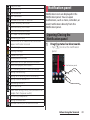
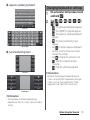
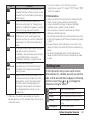
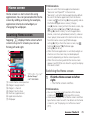
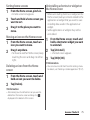
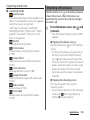
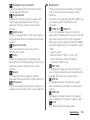
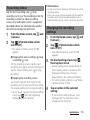
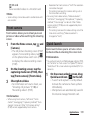
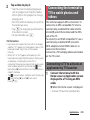
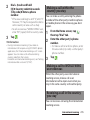
Quick launch
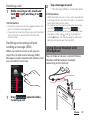
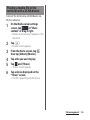
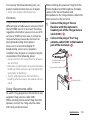
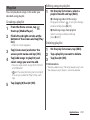
On the screen unlock screen, drag Quick
launch icon ( ) to the left to activate the
camera (P.199).
Launch and capture
Activate the camera to shoot a photo
immediately.
Launch only (still camera)
Activate the camera to display shooting
screen.
Launch and record movie
Activate the camera to record a video
immediately.
Launch only (movie camera)
Activate the camera to display recording
video screen.
■
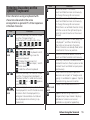
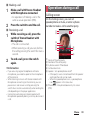
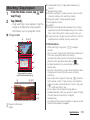
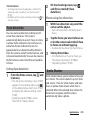
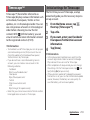
Touch focus
Tap an object on the shooting screen. The
focus frame moves onto the tapped place.
■
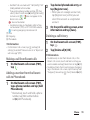
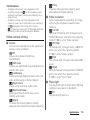
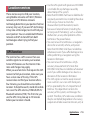
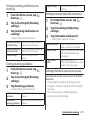
Adjusting brightness with Exposure value.
Use when the capturing mode (P.188) is set
to "Normal".
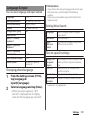
Exposure value
Drag the bar to adjust the exposure value.
■
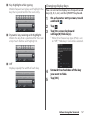
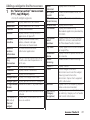
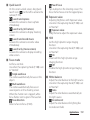
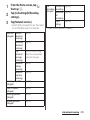
HDR
Set the high dynamic range imaging
function.
Use when the capturing mode (P.188) is set
to "Normal".
On
Shoot with the high dynamic range
imaging function.
Off
Disable the high dynamic range imaging
function.
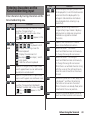
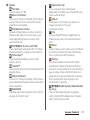
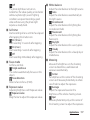
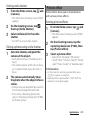
Focus mode
Set focus controls.
Use when the capturing mode (P.188) is set
to "Normal".
Single autofocus
The camera automatically focuses on the
object.
Multi autofocus
The camera automatically focuses on
several points on the shooting screen.
When the shutter icon is tapped, white
focus frames turn to green if focused on.
Face detection
Detect a face to focus (P.200).
Exposure value
■
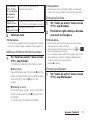
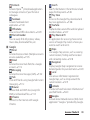
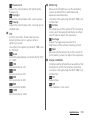
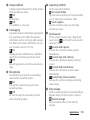
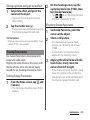
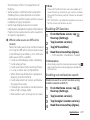
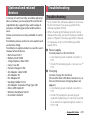
White balance
Adjust the color balance to the light source.
Use when the capturing mode (P.188) is set
to "Normal".
Auto
Adjust the color balance automatically to
the light source.
Incandescent
Adjust the color balance for lighting like
incandescent bulb.
Applications 192















































































![取扱説明書 [F-01C] - Altehandys.de](http://vs1.manualzilla.com/store/data/006698700_2-1423e4aa8845601d17d5495c0fe871e1-150x150.png)

![取扱説明書 [SC-02F]](http://vs1.manualzilla.com/store/data/005929784_1-52994054d43866f8a594812e271eb0c1-150x150.png)