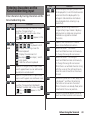
1
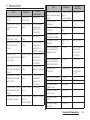
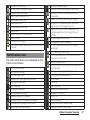
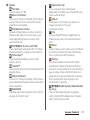
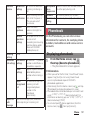
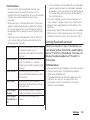
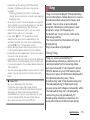
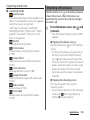
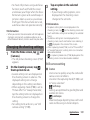
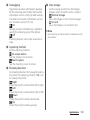
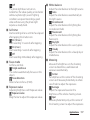
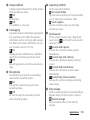
1Seg activated
FM radio in use
USB connected
MHL connected
Available to activate TV launcher
Screen mirroring connected
Communicating via Infrared
Data communication invalid
Wi-Fi open network available
Connecting to a VPN
The terminal set as media server/Connection
request notification received
Error message
Warning message
Problem with sync
Setup guide unchecked
Notification such as personal area received
More (undisplayed) notifications
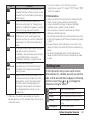
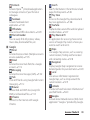
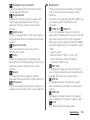
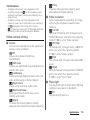
Wi-Fi tethering set/Wi-Fi Direct connected
Setting USB tethering
Setting Wi-Fi tethering and USB tethering
Setting Location-based Wi-Fi
Positioning with GPS
AUTO-GPS is set
Green Heart energy saving icon (remove the AC
adapter from the power outlet)
Connecting headphones
Setting Omakase Lock
Available memory on the terminal is low
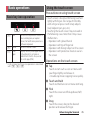
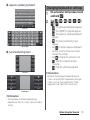
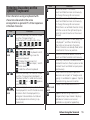
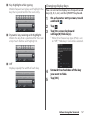
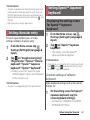
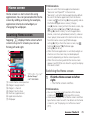
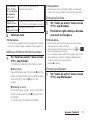
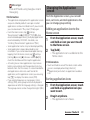
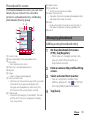
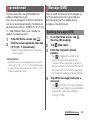
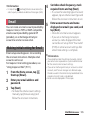
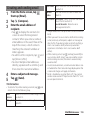
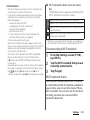
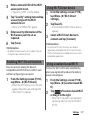
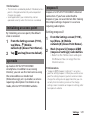
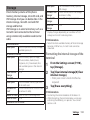
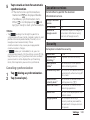
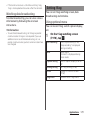
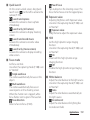
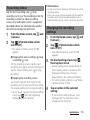
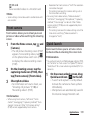
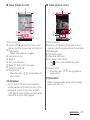
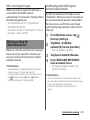
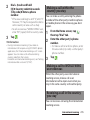
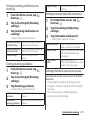
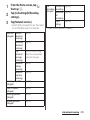
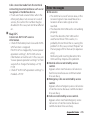
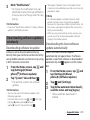
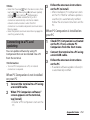
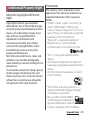
Notification panel
Notification icons are displayed in the
Notification panel. You can open
notifications, such as mails, reminders, or
event notifications directly from the
Notification panel.
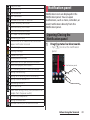
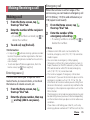
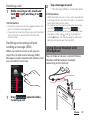
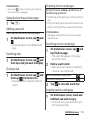
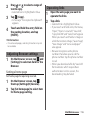
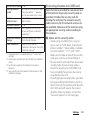
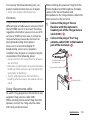
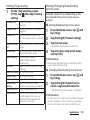
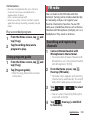
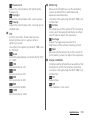
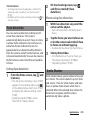
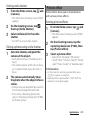
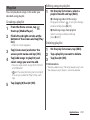
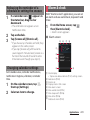
Opening/Closing the
Notification panel
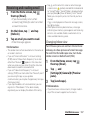
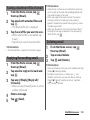
1
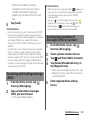
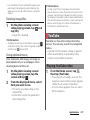
Drag the status bar downwards.
・
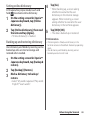
Tap x to close the notification
panel.
Notification panel
Before Using the Terminal
43













































































![取扱説明書 [F-01C] - Altehandys.de](http://vs1.manualzilla.com/store/data/006698700_2-1423e4aa8845601d17d5495c0fe871e1-150x150.png)

![取扱説明書 [SC-02F]](http://vs1.manualzilla.com/store/data/005929784_1-52994054d43866f8a594812e271eb0c1-150x150.png)