1
Chapter 2. Getting Started the BHT-6000 and System Mode
[ 2 ] Downloading
NOTE
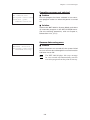
If you download a file having the same name as one already used in the user area of
the target memory in the BHT-6000, the newly downloaded file replaces the old
one.
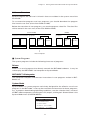
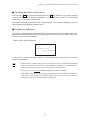
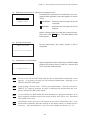
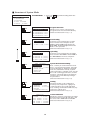
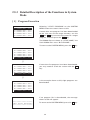
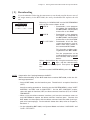
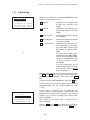
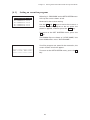
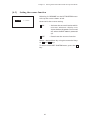
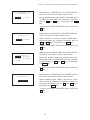
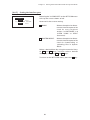
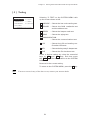
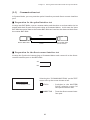
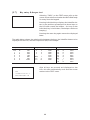
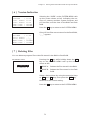
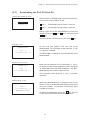
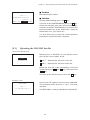
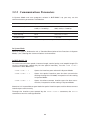
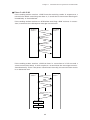
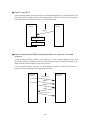
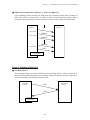
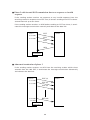
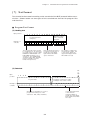
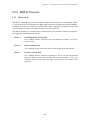
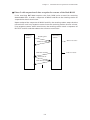
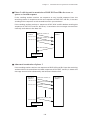
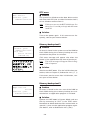
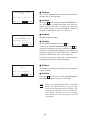
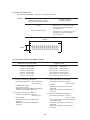
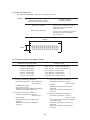
DOWNLOAD
1:DRIVE A
2:DRIVE B
3:HT<->HT COPY
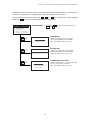
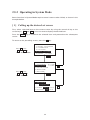
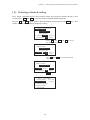
Selecting "2: DOWNLOAD" on the SYSTEM MENU
calls up the screen shown at left.
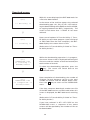
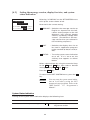
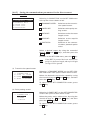
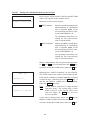
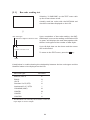
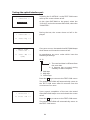
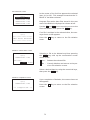
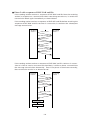
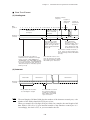
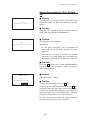
1 DRIVE A
: Downloads a user program
file (object file compiled by
the BHT-BASIC 3.0 Compiler)
or data file to the RAM.
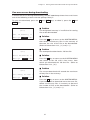
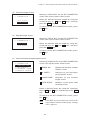
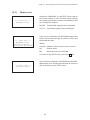
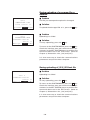
2 DRIVE B
: Downloads a user program
file (object file compiled by
the BHT-BASIC 3.0 Compiler)
or data file to the flash ROM.
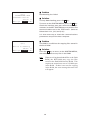
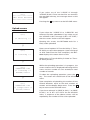
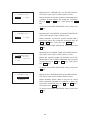
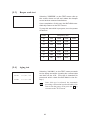
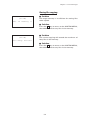
3 HT<->HT COPY : Downloads all of the files,
system parameters, and calendar clock data stored in
the connected BHT-6000.
This function enables copying between the BHT-6000s.
For the preparation to be
made preceding the start of
this function, refer to NOTE
below.
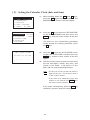
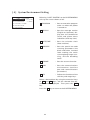
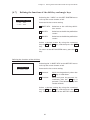
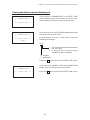
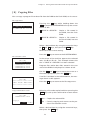
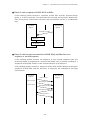
Select a desired item by using the numerical keys
or F5 and F6 keys, and the selected item
becomes reverse-displayed. Then press the ENT
key.
To return to the SYSTEM MENU, press the C key.
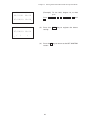
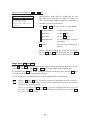
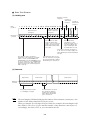
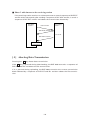
NOTE
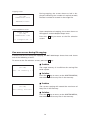
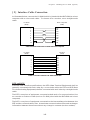
Preparation for Copying between the BHTs
Before downloading to the BHT-6000 from another BHT-6000, make the following preparation:
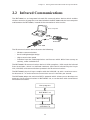
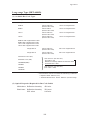
• At each BHT-6000, set the interface port. The default is an optical interface
(OPT).
Interface setting procedure: Starting on the SYSTEM MENU, select "4:SET
SYSTEM," "6:COM," and "3:COM PORT." On the SET COM PORT screen,
select the optical interface (OPT) or direct-connect interface (IFC) of "2:SYSTEM MODE."
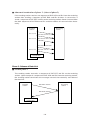
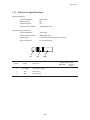
• When using the direct-connect interface, pull out the connector cover on
each BHT-6000 to expose the direct-connect interface port. Connect the
BHT-6000s via those ports with the direct-connect interface cable (having 3pole mini stereo plugs). For the details about the cable, refer to Chapter 3,
Section 3.1.
• On the uploading BHT-6000, run System Mode and select "3:UPLOAD" and
"5:HT<->HT COPY."
35