1
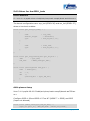
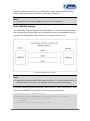
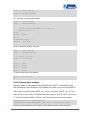
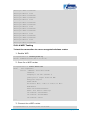
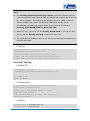
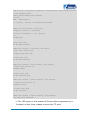
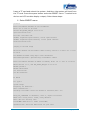
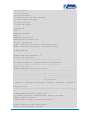
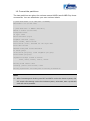
Appendix 3: Linux Boot Disk Format Instructions for creation of a dual-partition card to allow the DevKit8500D/A to boot Linux from the first partition and have root file system in the second partition. 6.1 Introduction This guide is meant for those looking to create a dual-partition card, booting from a FAT partition that can be read by the OMAP3 ROM bootloader and Linux/Windows, and then utilizing an ext3 partition for the Linux root file system. Note: Text marked with [] shows user input. 6.1.1 Determine the location of the TF Card Reader on your system Plug the TF Card into the TF Card Reader and then plug the TF Card Reader into your system. The following procedure can be used to determine which device it is on your system. $ [dmesg | tail] ... [ 6854.215650] sd 7:0:0:0: [sdc] Mode Sense: 0b 00 00 08 [ 6854.215653] sd 7:0:0:0: [sdc] Assuming drive cache: write through [ 6854.215659] sdc: sdc1 [ 6854.218079] sd 7:0:0:0: [sdc] Attached SCSI removable disk [ 6854.218135] sd 7:0:0:0: Attached scsi generic sg2 type 0 ... In this case, it shows up as /dev/sdc (note sdc inside the square brackets above). Page | 109