1
Chapter 1 Section 3 Using Special Features for Improved Photography
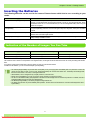
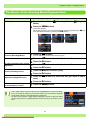
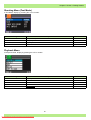
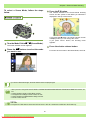
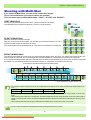
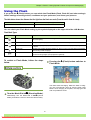
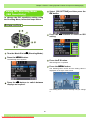
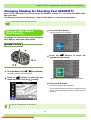
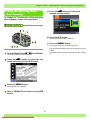
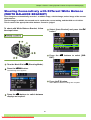
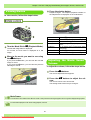
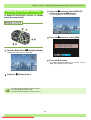
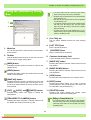
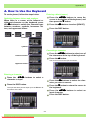
Using the ADJ. (Adjust) Button
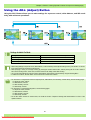
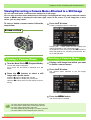
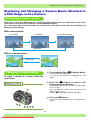
Using the ADJ. Button allows you to make settings for exposure control, white balance, and ISO sensitivity, with minimum operations.
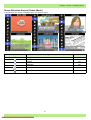
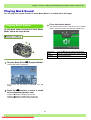
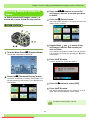
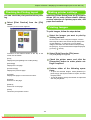
Settings Available Per Mode
Still Image Mode
Scene Mode (Text Mode)
Scene Mode (Movie Mode)
Scene Mode (Except for Text and Movie Mode)
Exposure control, white balance, ISO sensitivity
Text density
Exposure control, white balance
Exposure control, white balance
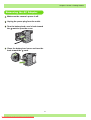
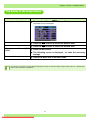
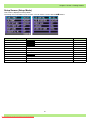
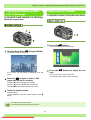
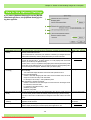
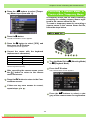
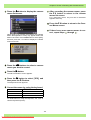
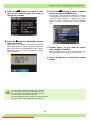
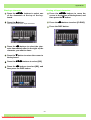
• After making settings for exposure control, white balance, or ISO sensitivity in the respective setting screen, press the ADJ. or OK button to set the value and proceed to the next screen.
• After specifying a value, you can begin shooting by pressing the shutter release button, without pressing the OK or ADJ. Button to
return to the shooting screen. In this case, the screen returns to the setting screen after shooting.
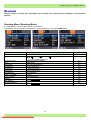
• You can also make settings for exposure control, white balance, ISO sensitivity, and text density, using the Shooting Menu.
• In addition to the above, the ADJ. button can be used for the camera memo function.
• For instructions on using the ADJ. button to adjust exposure, white balance, ISO sensitivity, and text density, see the following pages.
For exposure control, seeP.57
For white balance, see P.61
For ISO sensitivity, see P.65
For text density, see P.67
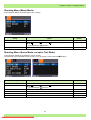
• For instructions on using the Shooting Menu, see the following pages.
For exposure control, see P.58
For white balance, seeP.63
For ISO sensitivity, see P.66
For text density, see P.68
• For the ADJ. button function for camera memo, see P.189 and P.196 in "Chapter 3 Shooting with Camera Memos" in Part 4 of the
Operation Manual.
56
Downloaded From camera-usermanual.com Ricoh Manuals