1
Chapter 1 Section 1 Getting Started
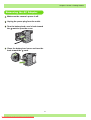
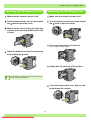
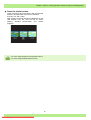
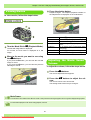
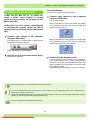
Removing the AC Adapter
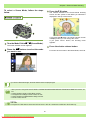
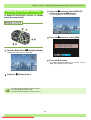
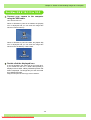
Make sure the camera's power is off.
Unplug the power plug from the outlet.
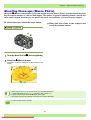
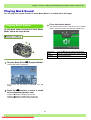
Turn the battery/card cover's knob toward
the mark to open the cover.
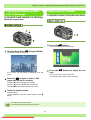
Close the battery/card cover and turn the
knob toward the mark.
15
Downloaded From camera-usermanual.com Ricoh Manuals