1
PRINTING
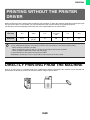
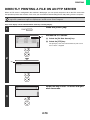
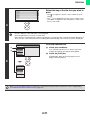
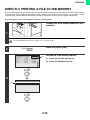
PRINTING MULTIPLE PAGES ON ONE PAGE
This function can be used to reduce the print image and print multiple pages on a single sheet of paper.
This is convenient when you want to print multiple images such as photos on a single sheet of paper, and when you
want to conserve paper. This function can also be used in combination with two-sided printing for maximum
conservation of paper.
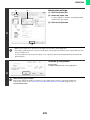
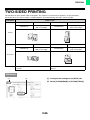
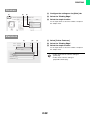
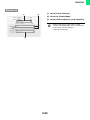
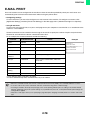
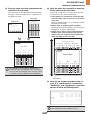
For example, when [2-Up] (2 pages per sheet) and [4-Up] (4 pages per sheet) are selected, the following print results will
be obtained, depending on the order selected.
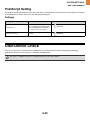
Print results
N-Up
(Pages per
sheet)
Left To Right
Right To Left
Top To Bottom
(When the print orientation
is landscape)
2-Up
(2 pages per
sheet)
N-Up
(Pages per
sheet)
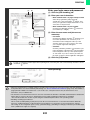
Right, and Down
Down, and Right
Left, and Down
Down, and Left
4-Up
(4 pages per
sheet)
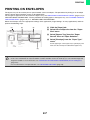
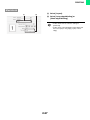
• The page orders for 6-Up, 8-Up, 9-Up, and 16-Up are the same as for 4-Up.
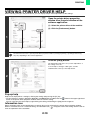
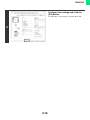
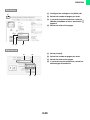
• In a Windows environment, the page order can be viewed in the print image in the printer driver properties window.
In a Macintosh environment, the page orders are displayed as selections.
• In a Macintosh environment, the number of pages that can be printed on a single sheet is 2, 4, 6, 9, or 16.
2-29