1
NetVanta 7100 Administrator’s Guide
Configuring Voicemail
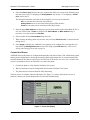
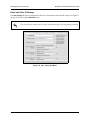
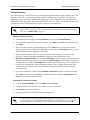
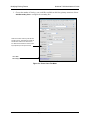
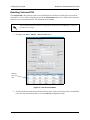
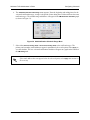
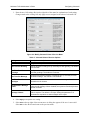
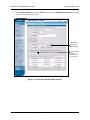
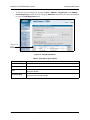
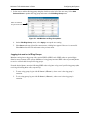
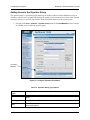
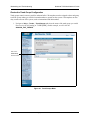
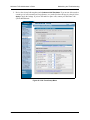
6. The Add Notification Schedule Range menu appears. Enter the beginning and ending times for the
voicemail notification range. A range is the period of time during the week that will have the same
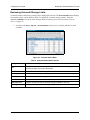
notification type. The schedule range added here will appear in the VM Notification Schedule graph
(as shown in Figure 31).
Figure 30. Add Notification Schedule Range Menu
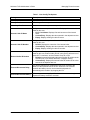
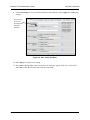
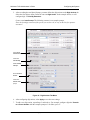
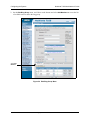
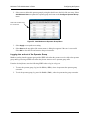
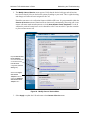
7. Select either Send to Primary Email or Send to Secondary Email as the notification type. The
primary and secondary email addresses appear in parentheses below each option. Select Apply to
save the schedule. The new voicemail notification schedule will appear as a graph at the bottom of
the VM Settings tab.
If the email address does not appear below the selected option, select Apply and continue to
the next step.
61200796L1-31B
Copyright © 2008 ADTRAN, Inc.
49