1
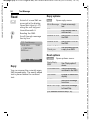
Multimedia Msg
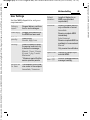
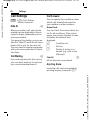
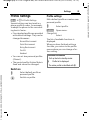
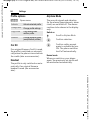
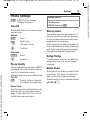
User Settings
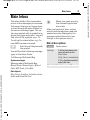
Set the MMS dispatch to suit your
requirements:
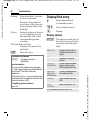
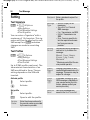
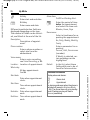
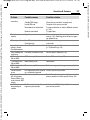
Delivery
report:
Request delivery confirmation for sent messages.
Read reply:
Request confirmation that
the MMS has been read.
Default
priority:
Send priority:
Normal, High, Low
Validity:
Select the period in which
the service centre is to try
to deliver the message:
Manual, 1 hour, 3 hours,
6 hours, 1 day, 1 week,
Maximum*
* Maximum period that the
service provider permits.
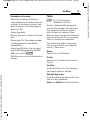
Earliest deliv. time:
Transmission from the service centre to the recipient:
Immediate, Tomorrow
65
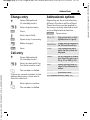
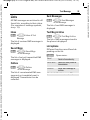
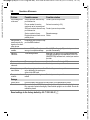
Default
duration:
Length of display for an
MMS page (standard
requirement).
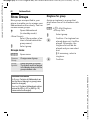
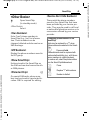
Retrieval:
Receive complete MMS or
only notification of arrival.
Immediate
Receive complete MMS
immediately.
Auto.Homenet
Receive complete MMS immediately in home network.
Manual
Only receive the notification.
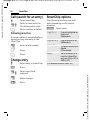
Spam filter: Settings for receipt of promotional MMS.
Size indica- Set max. message size and
tion: =
message handling.
VAR Language: am; VAR issue date: 041001
Siemens AG 2003, W:\ICM_MP_CCQ_S_UM\04FL00594 R66_USA_Ersterstellg\Work\CT66_Cingular\Frame_und_Grafik\CT66_en_us\C66_MMS.fm
left page (65) of CT66 Cingular am, A31008-H7840-A65-2-4A19 (05.10.2004, 15:12)