1
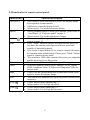
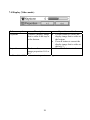
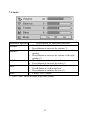
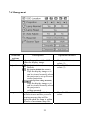
7.4 Display (Video mode)
Submenu options
Description
Corrects
a display image
Keystone
Operation method
•
that is wider at the top or
at the bottom.
•
To choose the screen
•
image proportion 16:9 or
4:3.
Press “Auto” button to return to previous setting.
Proportion
*
20
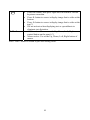
Press button to correct the
display image that is wider at
the bottom.
Press button to correct the
display image that is wider at
the top.(*)
Press
button to choose.