1
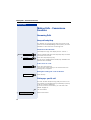
Using Other Functions
Step by Step
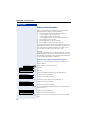
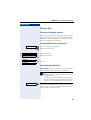
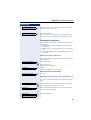
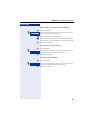
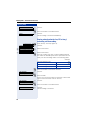
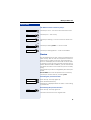
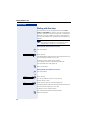
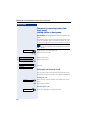
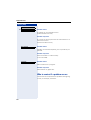
With the display "Enter station no." or "Enter ID", you are
requested to enter the PIN.
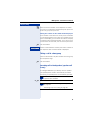
Entering the PIN for your own HiPath 4000 system:
p Enter internal PIN.
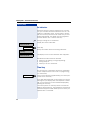
or Entering the PIN for another HiPath 4000 system
area within the integrated network:
p
Enter the 2-digit node code for your own HiPath 4000
system (ask the service personnel).
Enter the code!
pr Enter your own number and press the pound key.
pr Enter the network-wide PIN and press the pound key.
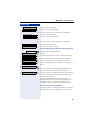
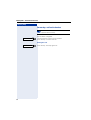
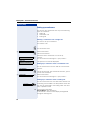
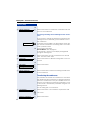
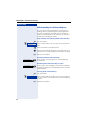
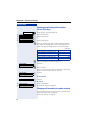
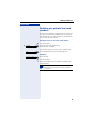
Dialing after (successful) identification:
You hear a dial tone. The following appears on the display: "Please dial".
Press the key. The lamp goes out.
Speaker
or p Enter a number immediately.
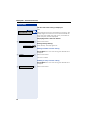
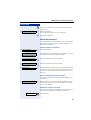
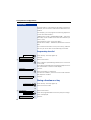
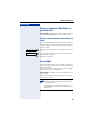
Call forwarding - follow me after successful
identification
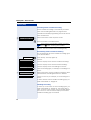
>
Call forw. - follow me?
Save?
: Select and confirm.
: Confirm. Call forwarding has been activated.
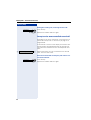
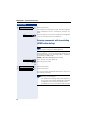
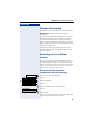
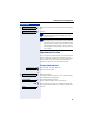
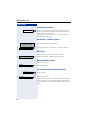
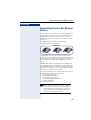
Deactivating identification at the other
telephone
Press the key. The lamp lights up.
program/service
jj Enter the service code.
or
>
>
84
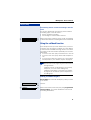
PIN / COS?
Deactivate PIN?
: Select and confirm.
: Select and confirm.