1
5
Mounting
5.1
Installing the device
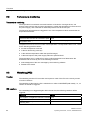
The device is particularly suitable for installation in consoles, switch cabinets and
switchboards.
WARNING
Function test while installing the device in machines or execute systems
Following the results of a risk analysis, additional protection equipment on the machine or
the system is necessary to avoid endangering persons. With this, especially the
programming, configuration and wiring of the inserted I/O modules have to be executed, in
accordance with the necessary risk analysis identified safety performance (SIL, PL or Cat.).
The intended use of the device has to be secured.
The correct use of the device has to be verified with a function test on the system. This test
can detect programming, configuration and wiring errors. The test results have to be
documented and if necessary inserted into the relevant inputs.
5.2
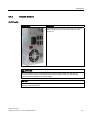
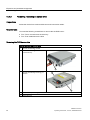
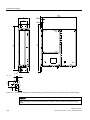
Installing the device with mounting brackets
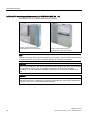
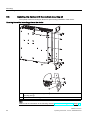
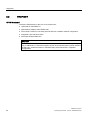
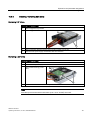
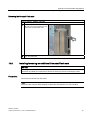
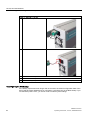
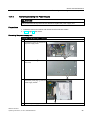
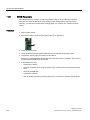
Screw-mounting the brackets
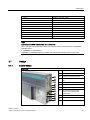
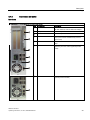
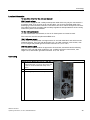
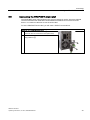
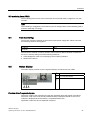
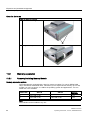
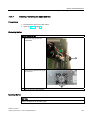
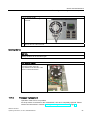
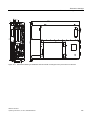
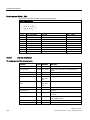
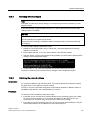
Two angle brackets are included in the product package. You can attach these to the PC
enclosure using six M3 x 6 mm screws.
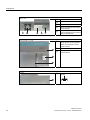
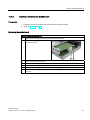
①
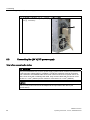
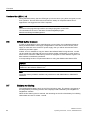
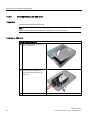
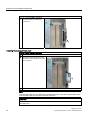
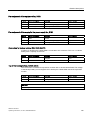
Mount the brackets onto the device using the included M3 screws with a max. insertion depth
of 5 mm (included in package).
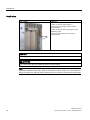
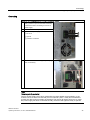
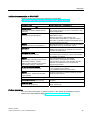
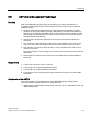
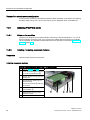
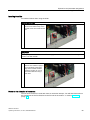
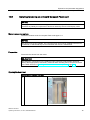
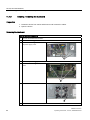
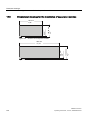
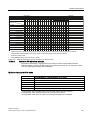
Instructions for wall mounting
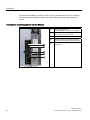
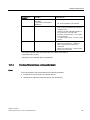
Mounting examples
Material
Hole diameter
Mounting
Concrete
8 mm diameter, 60 mm depth
Dowel: 8 mm, 50 mm, screws 4 mm, 50 mm
Plasterboard
(min. 13 mm thick)
14 mm diameter
Tilting dowel, diameter 4 mm
min. length 50 mm
Metal
(min. 2 mm thick)
5 mm diameter
Metal screws, diameter 4 mm
min. length 15 mm
WARNING
Ensure that the wall is capable of bearing four times the total weight of the device (including
the brackets and expansion modules). The total weight is approx. 7 kg.
SIMATIC IPC627C
Operating Instructions, 11/2010, A5E02669068-02
33