1
GS-800 Imaging Densitometer
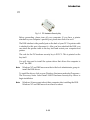
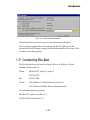
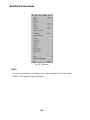
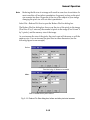
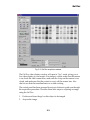
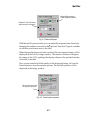
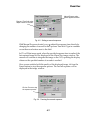
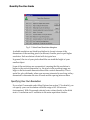
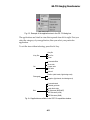
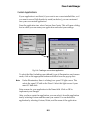
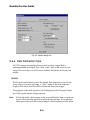
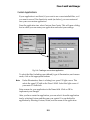
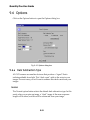
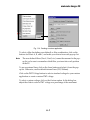
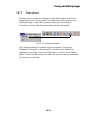
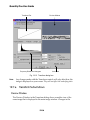
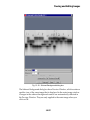
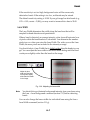
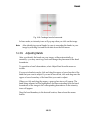
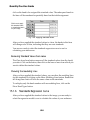
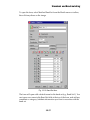
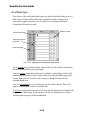
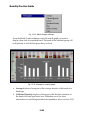
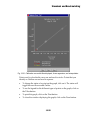
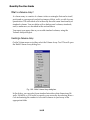
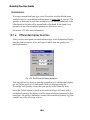
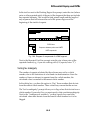
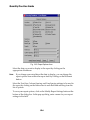
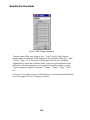
Fig. 7-8. Densitometer Options dialog box.
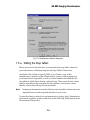
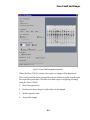
7.5.a Editing the Step Tablet
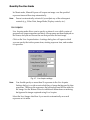
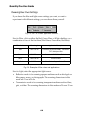
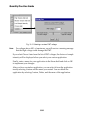
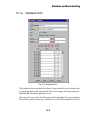
Before you scan for the first time, you must enter the step tablet values for
your transmissive calibration strip into the Step Tablet Values form.
Attached to the outside of your GS-800, you will find a copy of the
manufacturer’s printout of the diffuse density values for each segment of
your transmissive step tablet, as well as a serial number that identifies the
step tablet to which those density values belong. Those exact density values
must be entered into the computer for the software to associate a correct
density value with each step on the step tablet.
Note:
Scanning in transmissive mode with incorrect step tablet values can cause
significant errors in the reported densities of your scans.
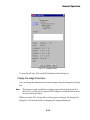
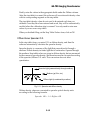
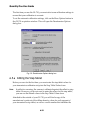
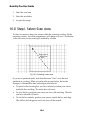
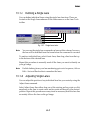
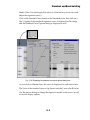
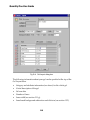
To enter the density values for your transmissive cal strip, select Transmissive
in the main acquistion window and click on the Edit Step Tablet button in the
Densitometer Options box.
7-9