1
Quantity One User Guide
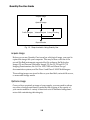
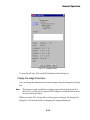
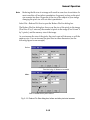
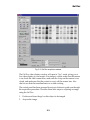
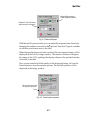
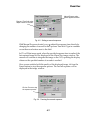
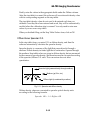
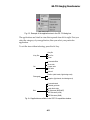
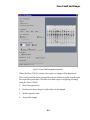
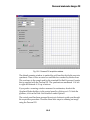
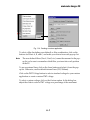
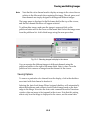
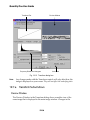
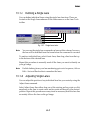
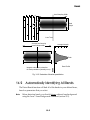
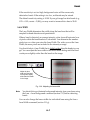
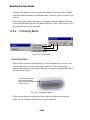
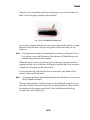
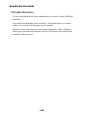
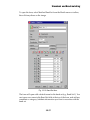
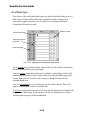
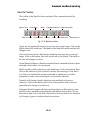
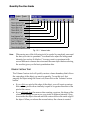
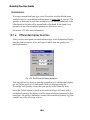
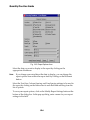
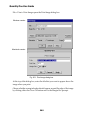
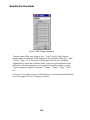
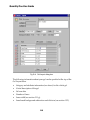
Select Band > Detect Bands or click on the button on the Band toolbar to open
the Detect Bands dialog box.
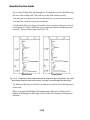
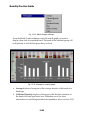
Band tools buttons are
included in the dialog
Click here to toggle format
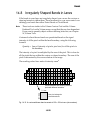
Fig. 14-3. Detect Bands dialog box, short and expanded formats, with default values.
Note:
If you have already manually identified bands (using Create Band, Adjust
Band, etc.), the Detect Bands function will overwrite your manual
detection. For this reason, you should use Detect Bands first, and then
manually add, adjust, or remove bands as needed.
14-4