1
Reports
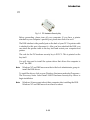
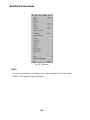
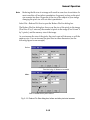
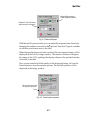
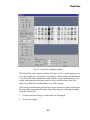
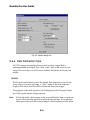
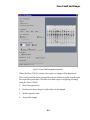
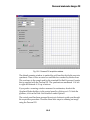
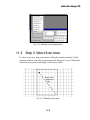
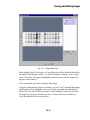
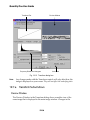
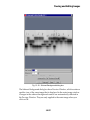
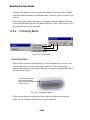
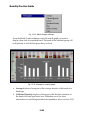
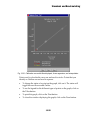
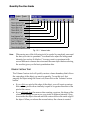
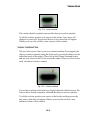
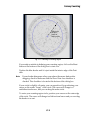
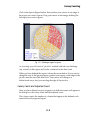
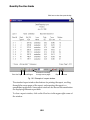
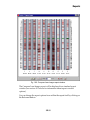
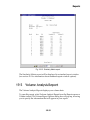
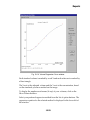
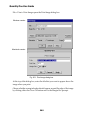
Fig. 19-12. Similarity Matrix report.
The Similarity Matrix report will be displayed in a standard report window
(see section 19.1 for information about standard report window options).
19.5
Volume Analysis Report
The Volume Analysis Report displays your volume data.
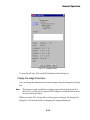
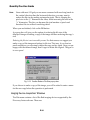
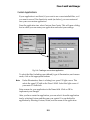
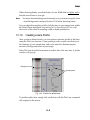
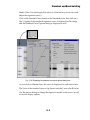
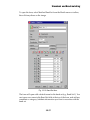
To open this report, select Volume Analysis Report from the Reports menu or
Volume toolbar. The Volume Report Options dialog box will pop up, allowing
you to specify the information that will appear in your report.
19-19