1
Quantity One User Guide
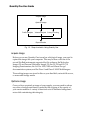
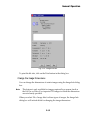
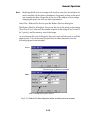
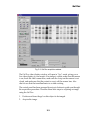
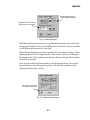
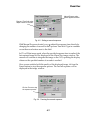
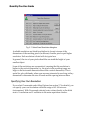
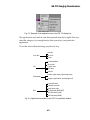
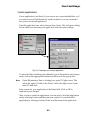
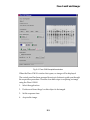
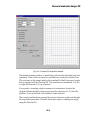
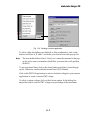
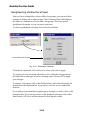
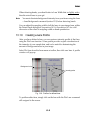
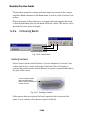
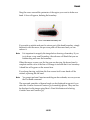
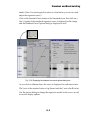
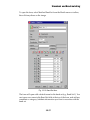
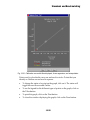
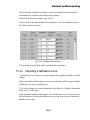
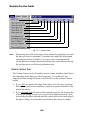
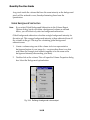
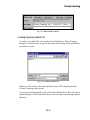
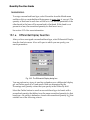
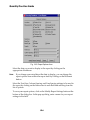
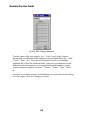
Fig. B-2. Edit Category dialog box.
Type the name of the new category (e.g., “Color”) next to the Category
prompt and list attributes of that category in the Attribute fields (e.g., “Red,”
“Green,” “Blue,” etc.). The form will automatically sort your attributes
alphabetically within the Attribute fields. Categories and attributes can be
defined for any characteristics of your gel that would be useful to sort by.
Typical categories might be “Enzyme,” “Primer,” “Probe,” “Type,” “Who,”
etc.
Once you’ve created a category and attributes, you can use them in the dialog
box. Once again, click on a <category> button.
B-2