1
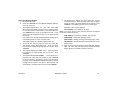
Silencing an Alarm
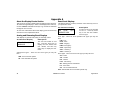
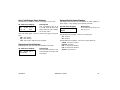
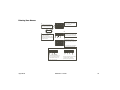
1. While the alarm bell or siren is
sounding, press the COMMAND key
until MENU? NO YES appears. Press
the select key under YES. Enter your
user code. Press the COMMAND key
until ALARM SILENCE appears. Press
any top row select key. The system
silences the alarm bell or siren.
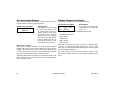
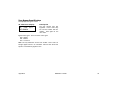
2. If your system is programmed to
send an Abort (alarm cancel) report
to the central station, the keypad
displays ALARM CANCELLED.
Copyright© 2003 Digital Monitoring Products, Inc.
Information furnished by DMP is believed to be accurate and reliable.
This information is subject to change without notice.