1
Basics
Service Menus - 13
Service Menus
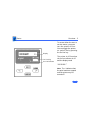
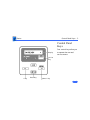
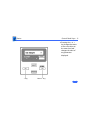
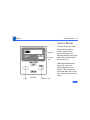
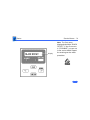
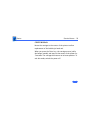
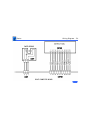
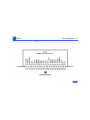
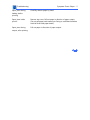
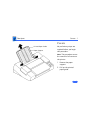
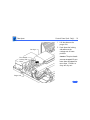
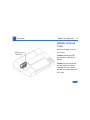
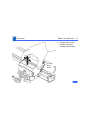
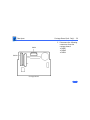
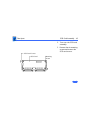
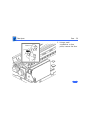
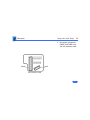
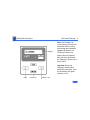
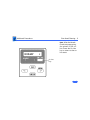
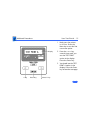
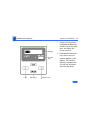
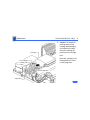
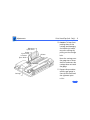
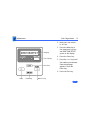
Display
On Line
Key
< Key
Enter Key
Menu/> Key
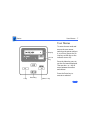
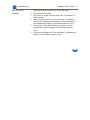
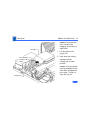
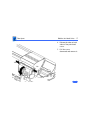
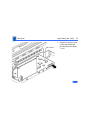
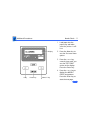
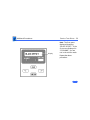
To enter the service mode
and access the service
menus, switch off the
printer, hold down the
Menu key and the < key at the
same time, and switch the
printer back on.
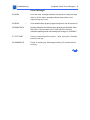
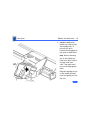
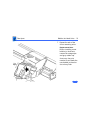
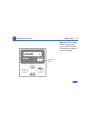
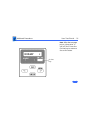
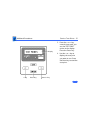
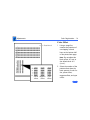
Hold down the Menu and <
keys until a series of
squares appears on the
display. Then release the
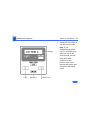
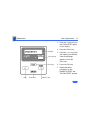
keys, hold down the On Line
key, and press the Enter key
twice.