1
(Continued)
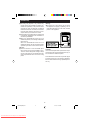
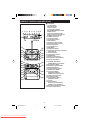
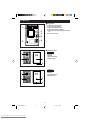
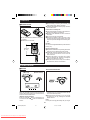
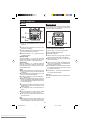
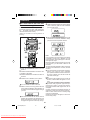
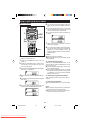
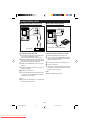
■ To switch the display
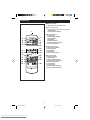
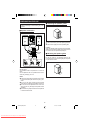
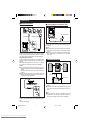
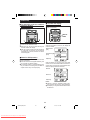
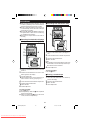
■ To manually recall the stations
stored in memory
(Main unit operation)
(Main unit operation)
DISPLAY
MODE
2
1
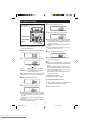
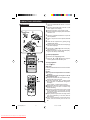
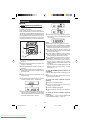
1 Press the VOLUME/JOG button.
2 Each time you turn the jog dial one step, the
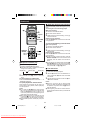
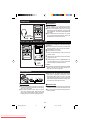
Each time the DISPLAY MODE button is pressed
whilst an FM station is tuned in, the display will
switch as follows:
channel number will change.
● After the channel number has been displayed
for 5 seconds, the frequency for that channel
will appear for 2 seconds, and then the station
name will appear.
Station name
(PS)
Programme type
(PTY)
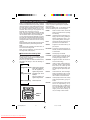
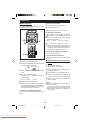
■ Notes for RDS operation
Frequency
If any of the following events occur, it does not mean
that the unit is faulty.
● “PS” and a station name appear alternately, and
the unit does not operate properly.
● If a particular station is not broadcasting properly or a station is conducting tests, the RDS reception function may not work properly.
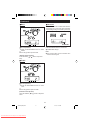
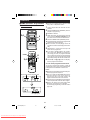
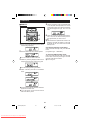
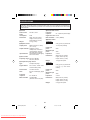
When the station you are tuning in is not an RDS
station or even if it is an RDS station but there is no
station name or programme type information available, the display will switch as follows:
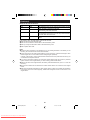
"NO PS"
"NO PTY"
Frequency
Notes:
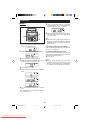
● “NO PS” or “NO PTY” will flash for about 5 seconds, and then the frequency will be displayed.
● The display can only be switched whilst tuned to
the FM band.
23
*60H/70H(SUK)23-27
Downloaded From Disc-Player.com Sharp Manuals
23
00.1.5, 11:41 AM