1
Unit installation and configuration/Main menu
f)
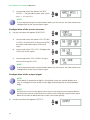
Locate and select the option Aspect
ratio 1. The possible aspect ratio values
are 1:1, 4:3 and 16:9.
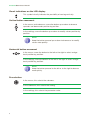
note
If you keep pressing the control button down you will access the information and
configuration of the second input signal.
Configuration of the carrier services
2) Locate and select the option Services.
a)
Locate and select the option CH1 video
audio. Activate (ON) or deactivate (OFF)
the video and audio signals of the first
input.
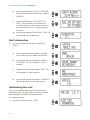
b) Locate and select ch1 lcn. Configure the
LCN value of the signal.
c)
Locate and select CH1 Name. Assign a
name to the signal in CH1.
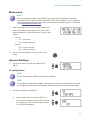
note
If you keep pressing the control button down you will access the information and
configuration of the second input signal.
Configuration of the output signal
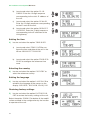
note
To introduce a sequence of digits in the display move the control button vertically to change the value of the current digit and horizontally to move between
digits.
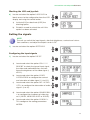
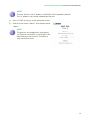
note
Position the cursor to the right of the current value and move the control button
vertically to increase or decrease the current value. Hold the control button up or
down to increase or decrease the current value more quickly.
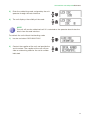
3) Locate and select the option Output.
14