1
Maintenance/Unit care
Maintenance
Unit care
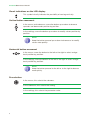
HANDLING THE INSIDE OF THE UNIT IS FORBIDDEN
Do not dismantle or try to repair the unit, its accessories or its components. This
will render the warranty null and void.
JJ
Do not use the power cable if it is damaged.
JJ
To disconnect the power cable, pull carefully on the plug and not the cable.
JJ
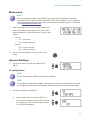
To clean the panel and unit connections:
FF
Unplug the unit.
FF
Clean with a slightly damp, soft cloth.
FF
Allow to dry completely before use.
JJ
Do not spill liquid onto the unit.
JJ
Keep ventilation slots free of dust and any foreign bodies.
Troubleshooting
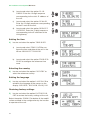
The most frequent problems arising during unit installation are indicated below. If you encounter any other type of problem, please contact the unit sales team.
Possible cause
Problem
Forgotten unlock code.
Nothing appears on LCD
display.
20
-
The power cable is not connected properly.J
What to do
Contact your supplier.
Check the power cable.