1
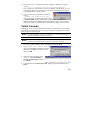
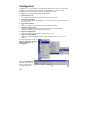
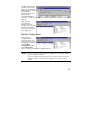
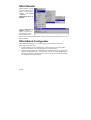
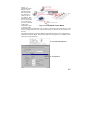
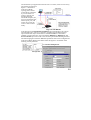
6. Choose 1 for ansi/vt100 terminal emulation type, and then press Enter.
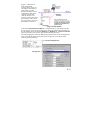
7. Use the keyboard arrow keys to highlight [serverConfig], and then press
Enter to select this option.
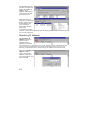
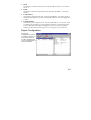
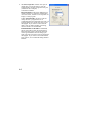
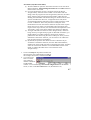
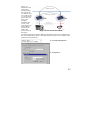
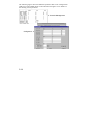
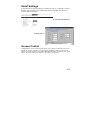
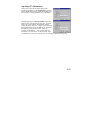
8. A window showing the various parameters required to configure NPort
Express opens up, with configurable parameters enclosed in square brackets.
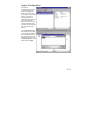
9. Use the
keyboard arrow
keys to position
the cursor over
the first digit of
the IP address.
Type in the
correct IP
address, press
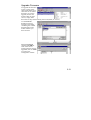
ESC to return to
the main menu,
and then select
Restart to
activate the
change.
2-6