1
DTS-HD Master Audio Suite™,
User Guide
v 2.5
15. Folder Based Encoding Supplement
1. Overview
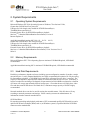
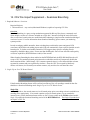
Folder-based encoding is designed to streamline workflow when performing a large number of
encodes with identical file attributes.
Examples of projects where this can be useful include the following:
• Multiple language dubs of the same feature
• Multiple episodes of a TV series, (e.g. 5 disc set with 4 episodes each = 20 encodes)
• Downloadable content (trailers, featurettes and other BD live content)
• Game clips
This document explains the operation of this feature.
2. Process
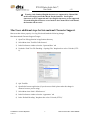
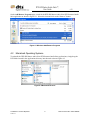
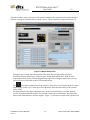
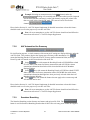
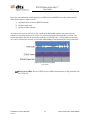
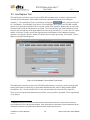
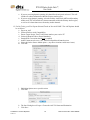
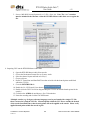
1. Enable Folder-based Encoding mode in the Encoder Preferences menu.
1
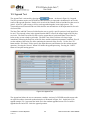
2. Select appropriate Destination Format, Stream Type, Channel Layout, and Sample Rate.
These settings will apply to all encodes in the batch.
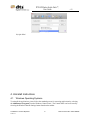
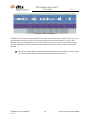
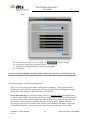
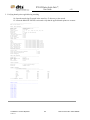
3. Navigate to the folder containing the input files to be processed, and select a file for one of the
encodes. This can be done in one of two ways:
Confidential - Do NOT Duplicate
17781 v1
90
DTS Document No.: 9301F55800D