1
Freestyle 610 – Edition 3 – 07.04.06 – 7332
Phonebook
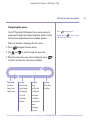
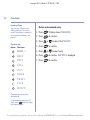
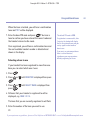
Edit a phonebook entry
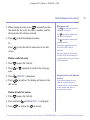
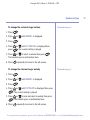
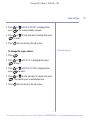
1. Press
. Display shows PHONE BOOK.
2. Press
.
3. Press
or
to confirm.
to select MODIFY ENTRY. Press
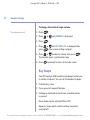
4. Scroll to the entry you want using
5. Press
or
.
.
6. Use
or
to move through the name, and edit
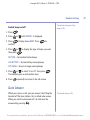
using
to delete and enter new characters using the
keypad, then press
.
7. Use
to delete digits and enter the new number
using the keypad, then press
.
8. Select a ringer melody (1 to 3), then press
You hear a confirmation beep.
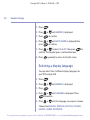
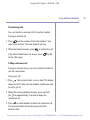
To change individual characters
Use
or
to move the cursor
underneath the letter you want to
change, then overtype the correct
letter.
.
If you experience any problems, please call the Helpline on 0870 605 8047 or email [email protected]
21