1
Servicing and maintenance
10.2 Removing and installing hardware components
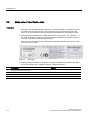
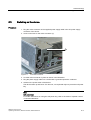
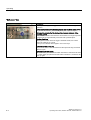
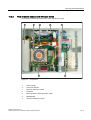
Removing a memory module
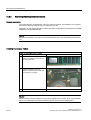
Steps for removing a memory module
1
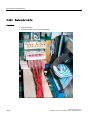
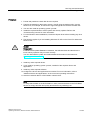
Open the device.
2
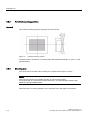
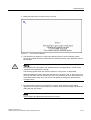
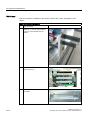
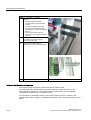
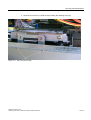
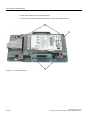
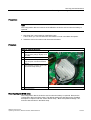
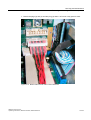
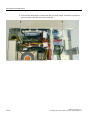
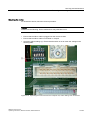
Snap the interlocks (1) to the side.
3
Pull the memory module (2) upwards
out of the slot.
4
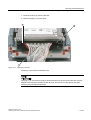
Close the device.
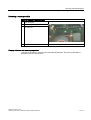
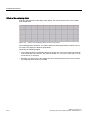
Display of the current memory expansion
Changes to the memory expansion are automatically detected. The memory allocation is
displayed when the device boots.
SIMATIC Panel PC 577
Operating Instructions, Release 04/2006, A5E00798484-01
10-11