1
Servicing and maintenance
10.2 Removing and installing hardware components
WinAC card
Further information is available in the section "WinAC card" of the "Integration in TIA"
chapter.
Steps for installing a WinAC card
10-14
1
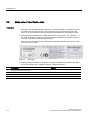
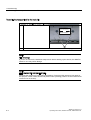
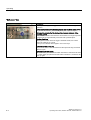
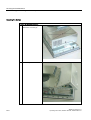
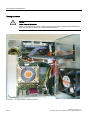
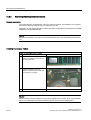
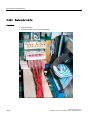
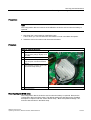
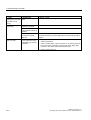
Open the device.
2
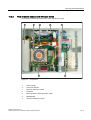
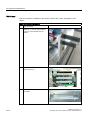
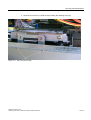
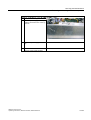
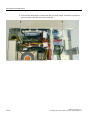
Remove the frame with the card
retainer (2, 3): remove the 2 retaining
screws (1) of the threads from the
outside.
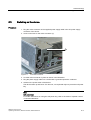
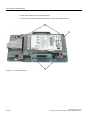
3
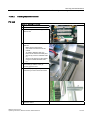
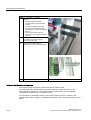
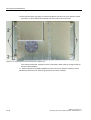
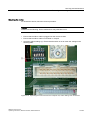
Unscrew the steel slot cover of the
upper two slots (1).
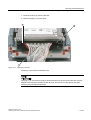
4
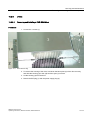
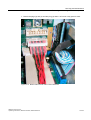
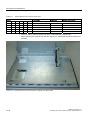
Unscrew the WinAC cover plate from
the outside.
SIMATIC Panel PC 577
Operating Instructions, Release 04/2006, A5E00798484-01