1
Diagnostics
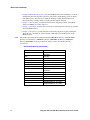
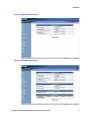
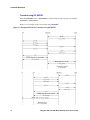
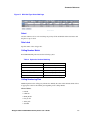
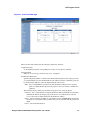
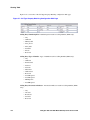
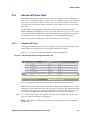
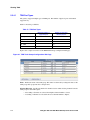
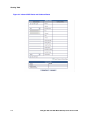
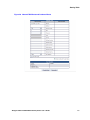
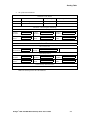
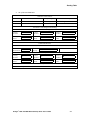
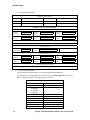
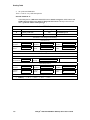
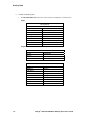
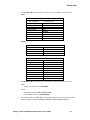
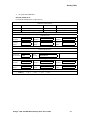
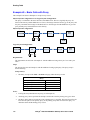
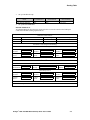
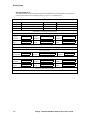
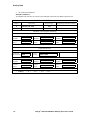
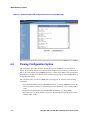
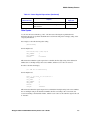
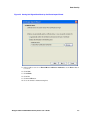
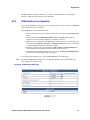
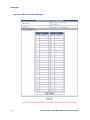
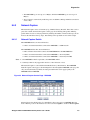
Capture control page is shown in Figure 60. While the DMG2000 control page has more trace keys,
the ideas presented in this section apply equally to both the DMG1000 and the DMG2000.
Figure 60. Trace Capture Control Page - DMG2000
Figure 60 shows the default trace keys (i.e. immediately after power-up). Notice the Error and
Trace masks are not shown as they are always enabled.
Dialogic® 1000 and 2000 Media Gateway Series User’s Guide
287