1
December 2003
Chapter 8
Calibrating Analog Outputs
and Inputs
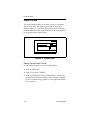
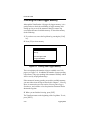
To calibrate the analog outputs and inputs, or use the optional
ultrasonic thickness gage, you must enter the Calibration Menu
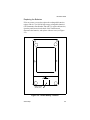
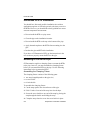
by pressing the [CAL] key. When you enter the Calibration Menu
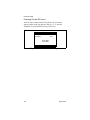
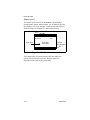
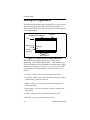
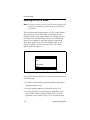
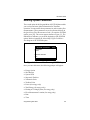
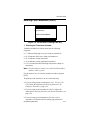
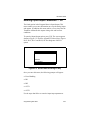
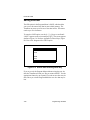
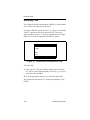
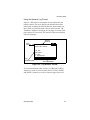
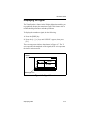
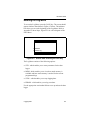
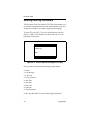
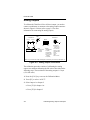
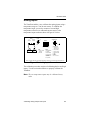
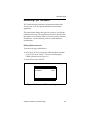
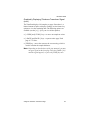
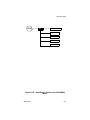
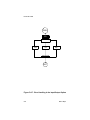
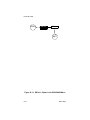
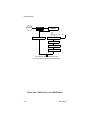
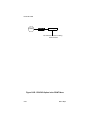
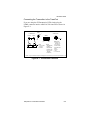
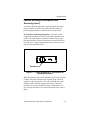
the screen appears similar to that in Figure 8-1 below. The
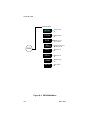
Calibration Menu has the three following options (refer to
Appendix D, Menu Maps, Figure D-6 for a flow diagram of the
Calibration Menu):
•
A/OUT - enables you to calibrate the analog outputs.
•
A/IN - enables you to calibrate the analog inputs.
•
WALL - enables you to calibrate and use the optional
ultrasonic thickness gage. Refer to Chapter 9, Using the
Ultrasonic Thickness Gage.
CALIBRATION
CALIBRATE
cal analog output
A/OUT
A/IN
WALL
Figure 8-1: Screen After Pressing CAL Key
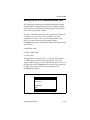
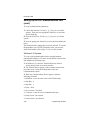
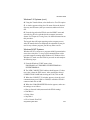
This chapter discusses how to calibrate the analog outputs and
inputs. Use the appropriate section that follows in order to
calibrate the desired output or input.
Calibrating Analog Outputs and Inputs
8-1