1
December 2003
Entering Signal Limits (cont.)
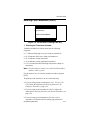
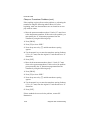
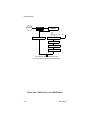
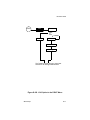
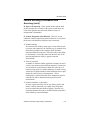
8. Setting the Low Limit for the Amplitude
Discriminator
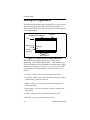
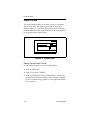
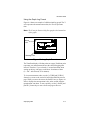
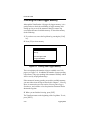
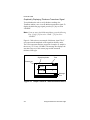
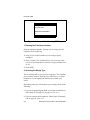
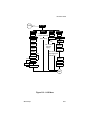
The next prompt asks you to enter the acceptable low limit for the
amplitude discriminator. The amplitude discriminator measures
the size of the transducer signal sent from the TransPort. This
value is set to 14 by default. Acceptable values are between 0 and
100.
•
Press [ENT] to accept the current value, or,
•
Use the numeric keys to enter a new value and press [ENT].
The E5: AMPLITUDE ERROR message appears if the amplitude
discriminator fall outside this limit.
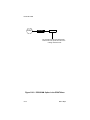
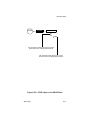
9. Setting the High Limit for the Amplitude
Discriminator
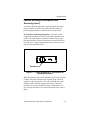
Consult GE Panametrics before performing this step.
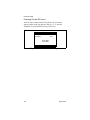
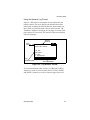
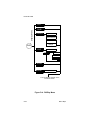
The next prompt asks you to enter the acceptable high limit for
the amplitude discriminator. This value is set to 34 by default.
Acceptable values are between 0 and 100.
•
Press [ENT] to accept the current value, or,
•
Use the numeric keys to enter a new value and press [ENT].
The E5: AMPLITUDE ERROR message appears if the amplitude
discriminator falls outside this limit.
Programming Site Data
3-43