1
December 2003
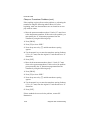
Testing the Analog Output Linearity
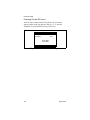
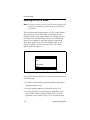
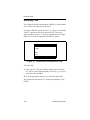
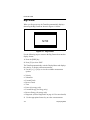
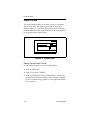
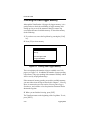
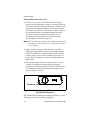
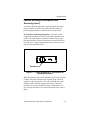
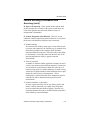
If you select Test in Step 4, the PT868 automatically sets the
output to 50%. The resulting mA reading should read close to 12
mA on a 4-20 mA scale (10 mA on a 0-20 mA scale).
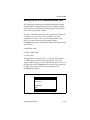
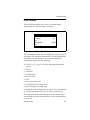
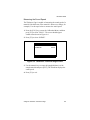
1. At the % FULL SCALE prompt, enter a value from 0 to 100
% and press [ENT].
2. Check the resulting mA reading again. If the reading is off, go
back and recalibrate the analog output zero and full scale. If
the linearity check remains unsatisfactory, check your
multimeter or ammeter. If your multimeter or ammeter is
working properly, contact the factory.
3. To recalibrate, press [EXIT] to return to the Output prompt.
4. Press [EXIT] twice to exit the Calibration menu.
You have completed calibrating the analog outputs. You may
now do one of the following:
•
If you have finished calibrating, press [F3] and then the
[EXIT] key to exit the Calibration Menu.
•
If you want to calibrate analog inputs, press [F3] and refer to
the next section for instructions.
8-4
Calibrating Analog Outputs and Inputs