1
Holiday Settings in Calendar
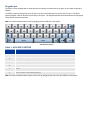
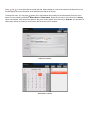
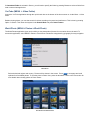
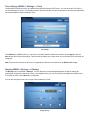
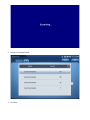
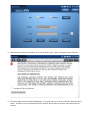
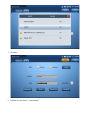
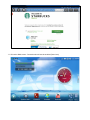
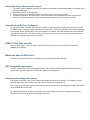
To enable the feature to display holidays for different countries, press Settings and select countries from the dropdown
list. The ACN IRIS X gives you the ability to display holidays for up to three different countries. Press Save after the
setting.
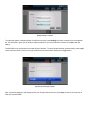
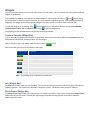
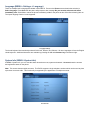
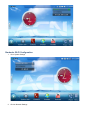
The ACN IRIS X can synchronize events with Google Calendar. To setup Google Calendar synchronization, press Login
on the top of the screen. Enter your Google Calendar account information and press the Login button.
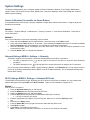
Synchronize with Google Calendar
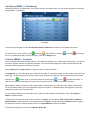
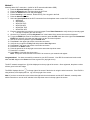
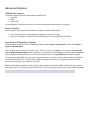
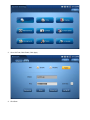
After successfully logging in and setting up with your Google Calendar account, press Sync on the top of the screen to
finish the synchronization.