1
SOFTWARE INSTALLATION
This section guides you to install the WLAN Cardbus Utility Software
for the Wireless Cardbus Adapter.
Install the WLAN Cardbus Utility Software
1.
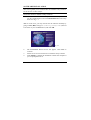
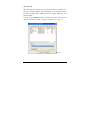
Insert the Wireless Cardbus Adapter Driver & Utility CD-ROM
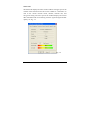
into the CD-ROM drive and click Install Software at the setup
menu. See Fig. 1.1
Note: In some cases, you may need to start the software manually by
going to Start, Run, and type D:\Utility\Setup.exe (where D
is the letter of your CD-ROM drive) and click OK.
Fig.1.1
2.
3.
4.
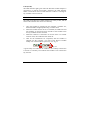
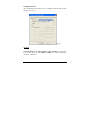
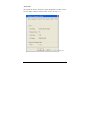
The InstallShield Wizard screen will appear. Click Next to
continue.
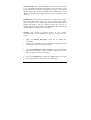
Follow the on-screen instructions to install the utility software.
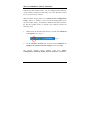
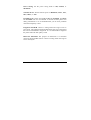
Click Finish to complete the installation. Restart the computer if
you are prompted to do so.
3