1
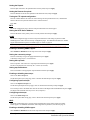
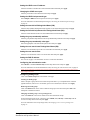
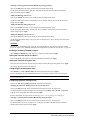
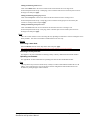
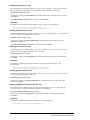
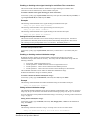
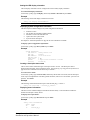
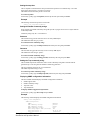
Displaying trap configuration information
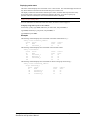
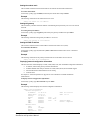
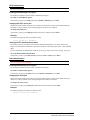
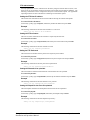
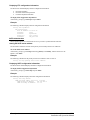
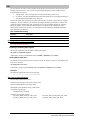
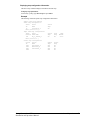
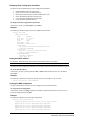
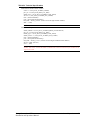
The Show Traps command displays information about all traps.
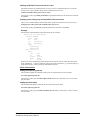
To display trap information:
At the Sentry: prompt, type show traps and press Enter.
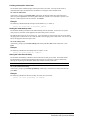
Example
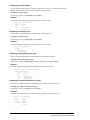
The following command requests trap configuration information:
Sentry: show traps <Enter>
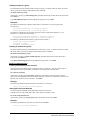
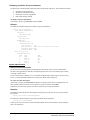
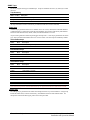
Tower trap configuration:
Tower
ID
Tower
Name
Status
Trap
.A
Florida_HQ_1
ON
More (Y/es N/o): y
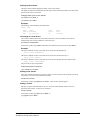
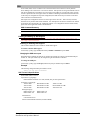
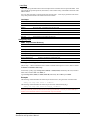
Input feed trap configuration:
Input
Feed ID
Input
Feed Name
Status
Trap
Load
Trap
.AA
HQ_1_Infeed_A
ON
ON
High
Thresh
255 A
More (Y/es N/o): y
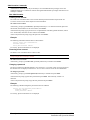
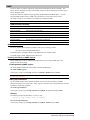
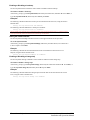
Outlet trap configuration:
Outlet
ID
Outlet
Name
Change
Trap
Status
Trap
.AA1
.AA2
.AA3
.AA4
DataServer_1
WebServer_1
FileServer_1
OFF
OFF
OFF
OFF
ON
ON
ON
ON
Sentry Commander - PT40
Installation and Operations Manual
Advanced Operations • 51