1
Configuring the SCALANCE IWLAN Controller
Configuring the SCALANCE IWLAN Controller for the First Time
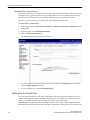
–
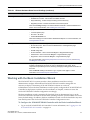
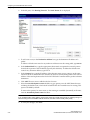
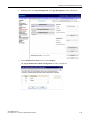
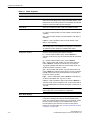
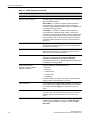
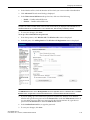
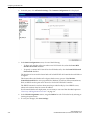
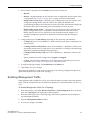
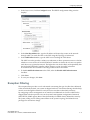
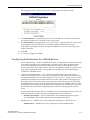
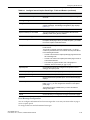
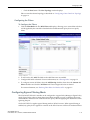
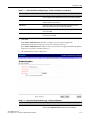
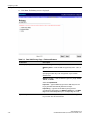
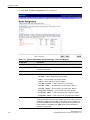
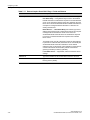
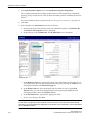
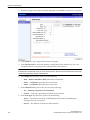
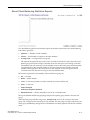
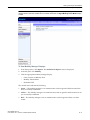
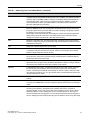
Read/Write Community Name — The password that is used for write SNMP
communication.
–
Manager A — The IP address of the server used as the primary network manager that will
receive SNMP messages.
–
Manager B — The IP address of the server used as the secondary network manager that
will receive SNMP messages.
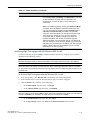
Note:
Manager A and Manager B address fields support both IPv4 or IPv6 addresses.
2.
Click Save.
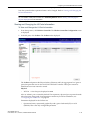
Configuring SNMPv3-specific Parameters
1.
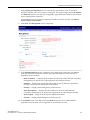
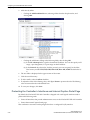
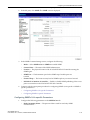
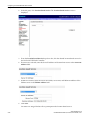
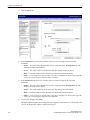
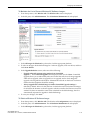
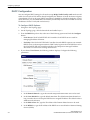
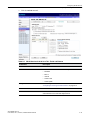
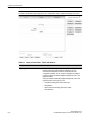
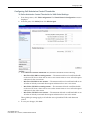
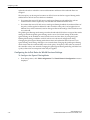
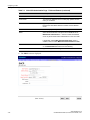
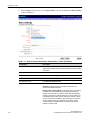
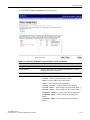
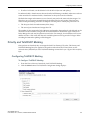
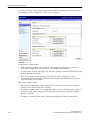
Configure the parameters following on the SNMPv3 tab:
–
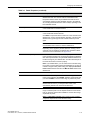
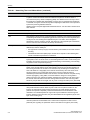
Context String — A description of the SNMP context.
–
Engine ID — The SNMPv3 engine ID for the SCALANCE IWLAN Controller running the
SNMP agent. The engine ID must be from 5 to 32 characters long.
–
RFC3411 Compliant — The engine ID will be formatted as defined by SnmpEngineID
textual convention (that is, the engine ID will be prepended with SNMP agents' private
enterprise number assigned by IANA as a formatted HEX text string).
2.
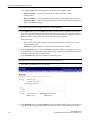
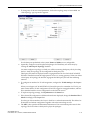
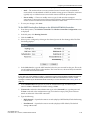
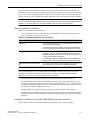
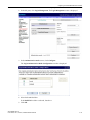
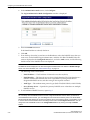
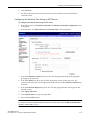
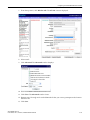
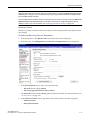
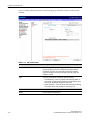
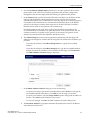
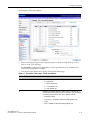
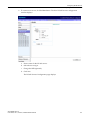
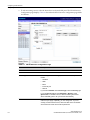
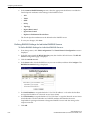
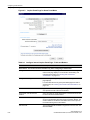
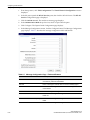
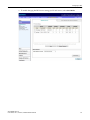
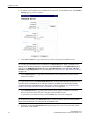
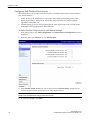
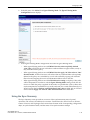
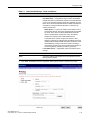
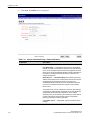
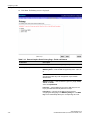
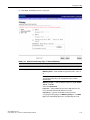
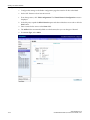
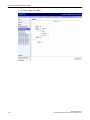
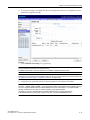
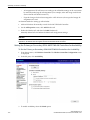
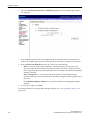
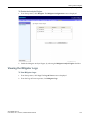
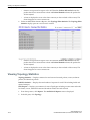
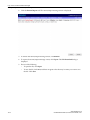
Click Add User Account. The Add SNMPv3 User Account window displays.
3.
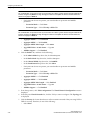
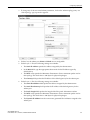
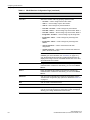
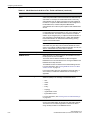
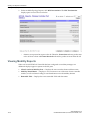
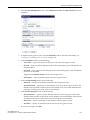
Configure the following parameters:
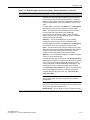
–
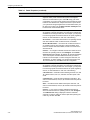
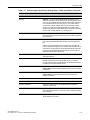
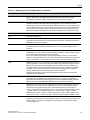
User — Enter the name of the user account.
–
Security Level — Select the security level for this user account. Choices are: authPriv,
authNoPriv, noAuthnoPriv.
–
Auth Protocol — If you have selected a security level of authPriv or authNoPriv, select
the authentication protocol. Choices are: MD5, SHA, None.
–
Auth Password — If you have selected a security level of authPriv or authNoPriv, enter
an authentication password.
–
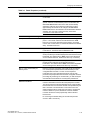
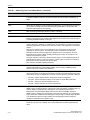
Privacy Protocol — If you have selected the security level of authPriv, select the privacy
protocol. Choices are: DES, None
–
Privacy Password — If you have selected the security level of authPriv, enter a privacy
password.
–
Engine ID — If desired, enter an engine ID. The ID can be between 5 and 32 bytes long,
with no spaces, control characters, or tabs.
–
Destination IP — If desired, enter the IP address of a trap destination.
Note:
The Destination IP address field supports both IPv4 or IPv6 addresses.
4.
Click OK. The Add SNMPv3 User Account window closes.
5.
Repeat steps 2 through 4 to add additional users.
6.
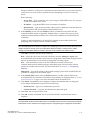
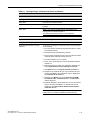
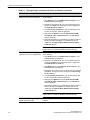
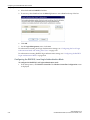
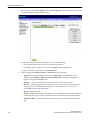
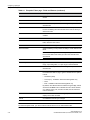
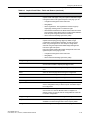
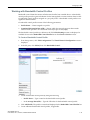
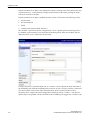
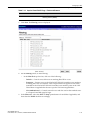
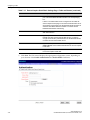
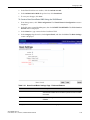
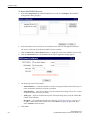
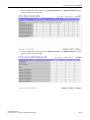
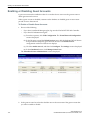
In the Trap 1 and Trap 2 sections, configure the following parameters:
–
2-48
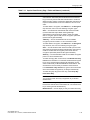
Destination IP — The IP address of the machine monitoring SNMPv3 traps
SCALANCE WLC711
C79000-G8976-C260-03, 07/2012, User Guide, V8.11