1
SISTORE RemoteView
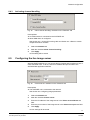
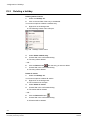
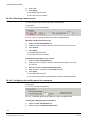
26.11.3 Adding an entry
Prerequisites:
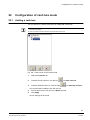
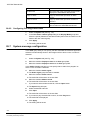
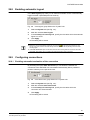
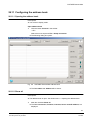
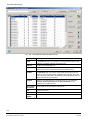
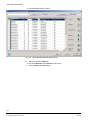
z The address book is open. See Section 26.11 Configuring the address book.
857H
1.
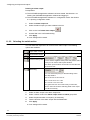
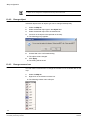
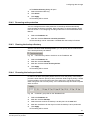
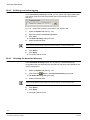
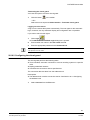
Click the Add new entry
Î
85H
button.
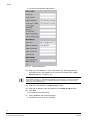
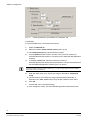
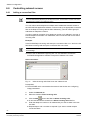
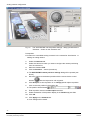
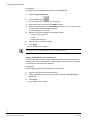
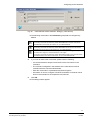
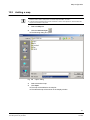
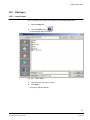
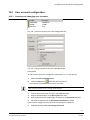
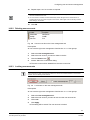
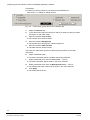
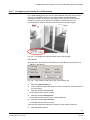
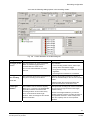
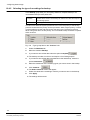
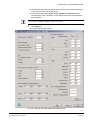
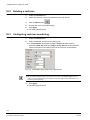
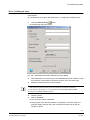
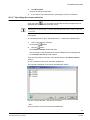
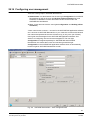
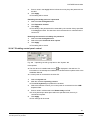
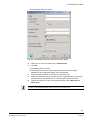
The following dialog box opens.
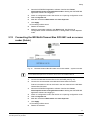
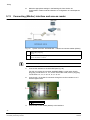
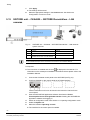
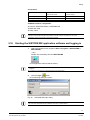
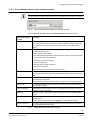
Fig. 199 SISTORE RemoteView address book entry dialog
2.
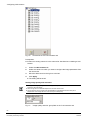
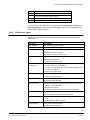
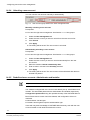
Select the desired connection type in the Connect via section. Make sure that
the necessary configurations have been made for each connection type.
3.
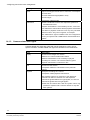
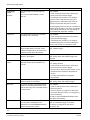
Make the necessary entries in the text fields.
z It is possible to make several entries for an IP address in the address book. This permits cameras
to be combined in groups and their pictures to be displayed over different connections.
z Only ciphers and the symbols ( ) - can be entered in the text field Server phone number.
z Filling in the field Server location is optional.
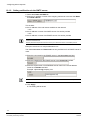
4.
Control connect
5.
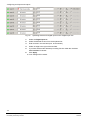
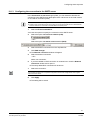
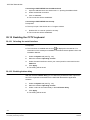
Click on Connect.
Î
The connection will be established.
Î
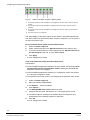
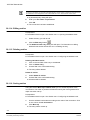
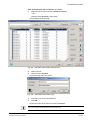
The progress of the data transmission is displayed in a window. When the
progress display reaches 100 % the connection has been set up and the
window is closed.
237
Siemens Building Technologies
Fire Safety & Security Products
02.2009