1
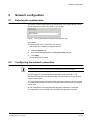
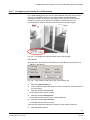
Configuring data storage
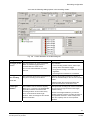
Î
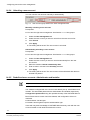
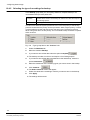
4.
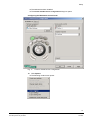
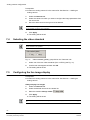
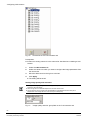
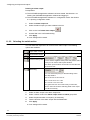
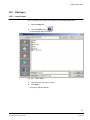
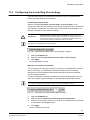
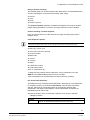
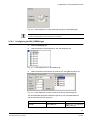
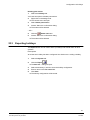
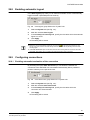
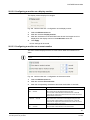
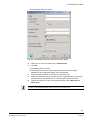
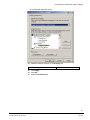
Select the desired directory.
5.
Click Select.
6.
Click Apply.
Î
18.4.2
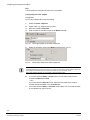
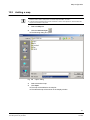
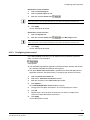
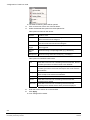
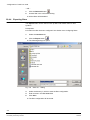
The Select directory dialog will open.
The setting will be saved.
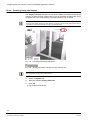
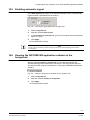
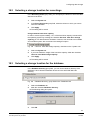
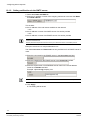
Removing write protection
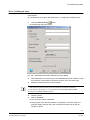
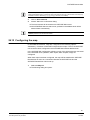
You can configure that the write protection of recordings will be automatically
removed after the backup is finished. More information on write protection can be
found in Section 17.3 Configuring recording modes and in the SISTORE MX User
Manual.
71H
718H
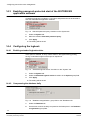
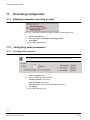
1.
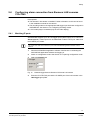
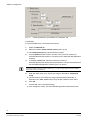
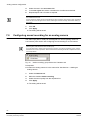
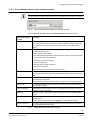
Select the Database tab.
2.
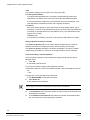
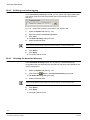
Mark the checkbox Remove overwrite protection.
Î
The recordings can be overwritten or deleted after the backup is finished.
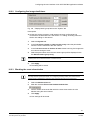
18.4.3 Clearing the backup directory
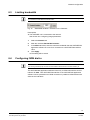
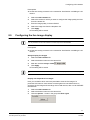
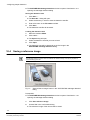
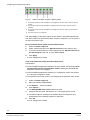
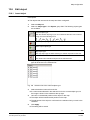
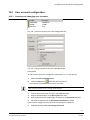
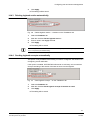
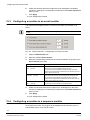
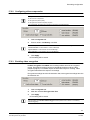
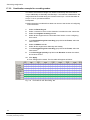
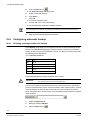
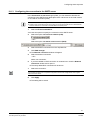
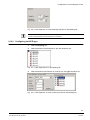
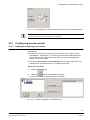
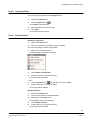
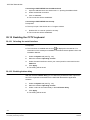
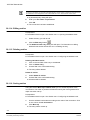
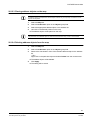
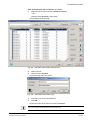
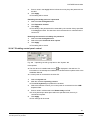
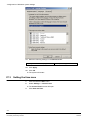
With the checkbox Clear directory before, you can specify that all subdirectories
of the backup directory be deleted.
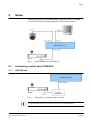
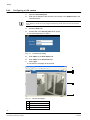
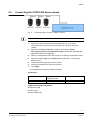
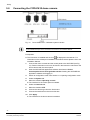
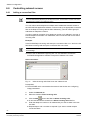
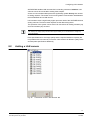
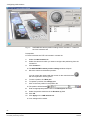
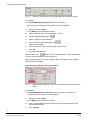
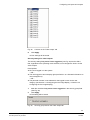
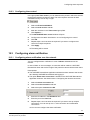
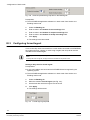
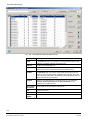
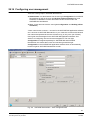
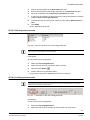
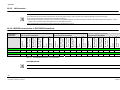
Fig. 151 "Clear directory before“ checkbox on the "Database“ tab
1.
Select the Database tab.
2.
Mark the checkbox Backup.
3.
Mark the checkbox Clear directory before.
4.
Click Apply.
Î
The setting will be saved.
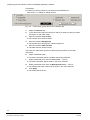
18.4.4 Choosing the backup schedule
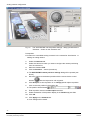
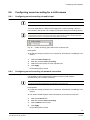
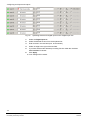
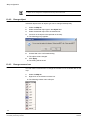
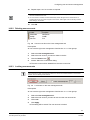
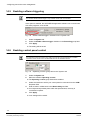
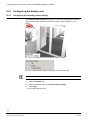
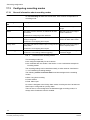
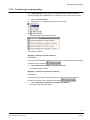
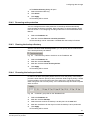
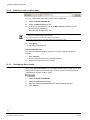
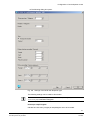
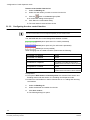
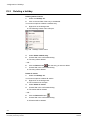
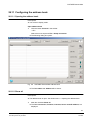
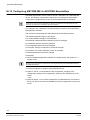
In order not to affect the system performance too much the priority of the backup
process is lower than the priority of other processes. With a higher priority, it would
not be possible to record and play back at the same time. The backup process
takes a long time due to its low priority. An incremental backup should be complete
within 24 hours.
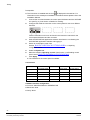
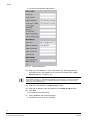
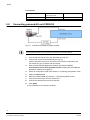
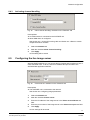
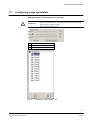
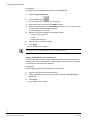
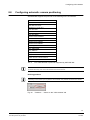
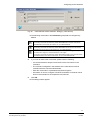
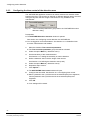
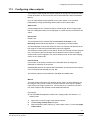
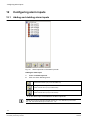
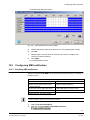
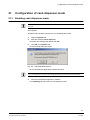
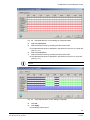
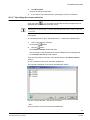
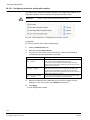
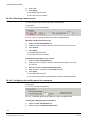
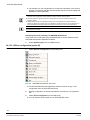
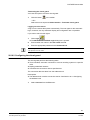
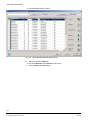
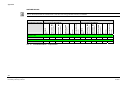
Fig. 152 "Schedule" group field on the "Database" tab
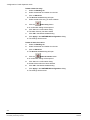
1.
Select the Database tab.
2.
Mark the checkbox Backup.
3.
Select the time at which the backup is to take place in the time field.
4.
Mark the checkboxes for the days on which the backup is to be performed.
5.
Click Apply.
Î
The setting will be saved.
167
Siemens Building Technologies
Fire Safety & Security Products
02.2009