1
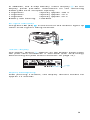
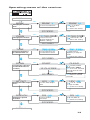
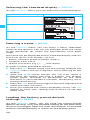
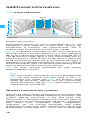
 Press the SET button to get into the setting mode of the
selected menu. The current setting that can be adjusted
flashes on the display.
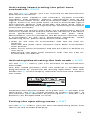
Adjusting a setting
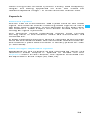
Press the / rocker button to adjust the setting. The
new setting becomes effective immediately.
By briefly pressing the / rocker button, the display
jumps either forwards or backwards to the next setting.
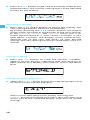
In the “ CHAN”, “TUNE” and “NAME” menu, the /
rocker button features a “fast search” function. If you
hold down a button, the display cycles continuously,
allowing you to get fast and easily to your desired
setting. The new setting flashes on the display until it is
stored.
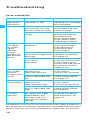
Storing a setting
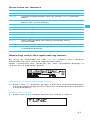
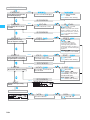
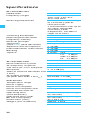
Press the SET button to store the setting. “STORED”
appears on the display, indicating that the setting has
been stored. The display then returns to the top menu
level.
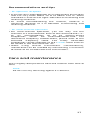
Exiting the operating menu
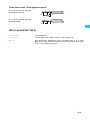
Select the “EXIT” menu to exit the operating menu and
to return to the standard display.
When in the operating menu, briefly pressing the
ON/OFF button will cancel your entry (ESC function) and
return you to the standard display with the last stored
settings.
18