1
4. P
lug the micro USB end of the cable into the receiver USB port.
Keep the USB port cover on the receiver closed whenever the USB
cable is not attached.
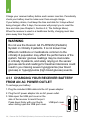
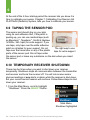
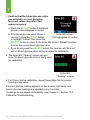
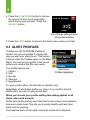
5. T
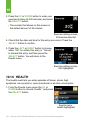
he battery charging screen will show on
the receiver.
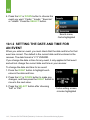
Battery charging screen
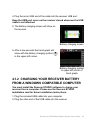
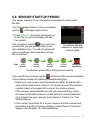
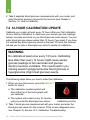
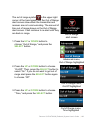
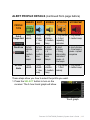
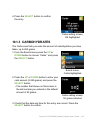
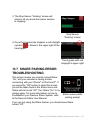
6. After a few seconds the trend graph will
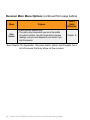
show with the battery charging symbol (
in the upper left corner.
)
Battery charging symbol
in upper left corner of
trend graph
4.1.2 CHARGING YOUR RECEIVER BATTERY
FROM A WINDOWS COMPATIBLE COMPUTER
You must install the Dexcom STUDIO software to charge your
receiver from a computer. Please see the Dexcom STUDIO
installation card for driver installation instructions.
1. Plug the included USB cable into your computer.
2. P
lug the other end of the USB cable into the receiver.
Dexcom G4 PLATINUM (Pediatric) System User’s Guide | 39