1
Chapter 2 Getting Started the BHT and System Menu
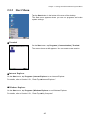
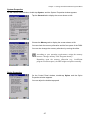
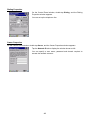
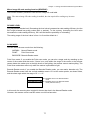
Displaying the IP address and MAC address
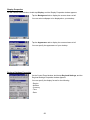
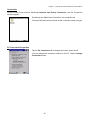
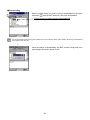
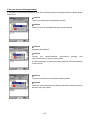
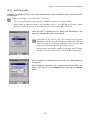
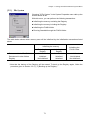
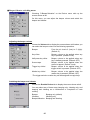
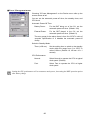
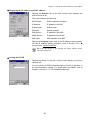
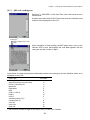
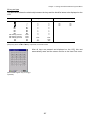
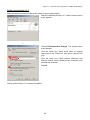
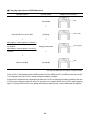
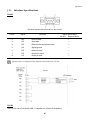
Tapping the Network tab on the NIC Control menu displays the
screen shown at left.
This menu displays the following:
DHCP/Static:
DHCP enabled or disabled
IP Address:
IP address of the BHT
Subnet mask:
Subnet mask
Gateway:
Default gateway
DNS Server:
IP address of the DNS
WINS Server:
IP address of the WINS
MAC Addr:
MAC address of the BHT
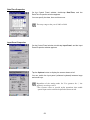
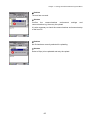
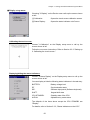
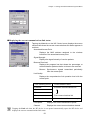
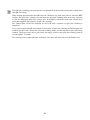
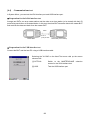
Tapping the Property button calls up the IP address setting screen.
For the IP address setting procedure, refer to Section 2.5.2, "
Control Panel, Owner Properties."
When the RF device is not opened, the MAC address shows
"00:00:00:00:00:00."
Setting the ESSID
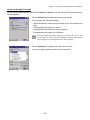
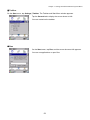
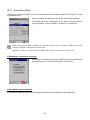
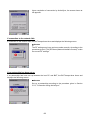
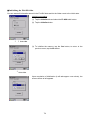
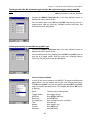
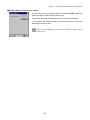
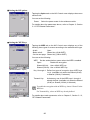
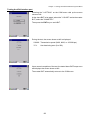
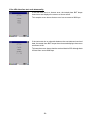
Tapping the ID tab on the NIC Control menu displays the screen
shown at left.
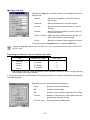
You can specify an ESSID (Extended Service Set ID) to be used on
the communications network. For details about the ESSID, refer to
Chapter 3, Section 3.1.2, "RF-Related Parameters."
89